
Webhooks
OnePageCRM provides webhooks for users wishing to connect OnePageCRM to apps or software.
Webhooks are a simple, efficient way of integrating with web applications. Webhooks can be used instead of an API to see if data has been updated in OnePageCRM. It requires a level of technical knowledge to use, so it should only be used by developers or engineers in your team.
- OnePageCRM provides all the documentation required to use webhooks.
- You will need to have Software Engineering or the relevant IT experience in order to set this up.
- If you require support for our API or Webhooks, please contact us.
In this article:
| Set up Webhooks with OnePageCRM |
| Add/Edit/Delete Webhooks |
| Built an integration with OnePageCRM? |
Set up Webhooks with OnePageCRM
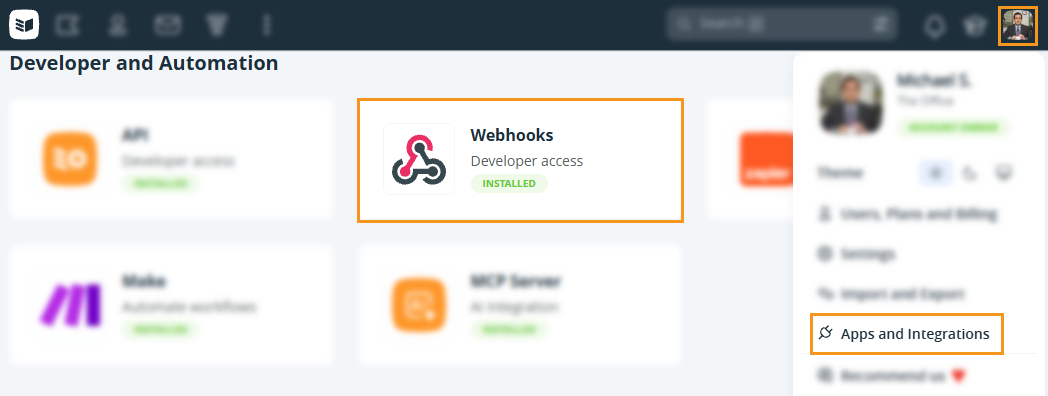
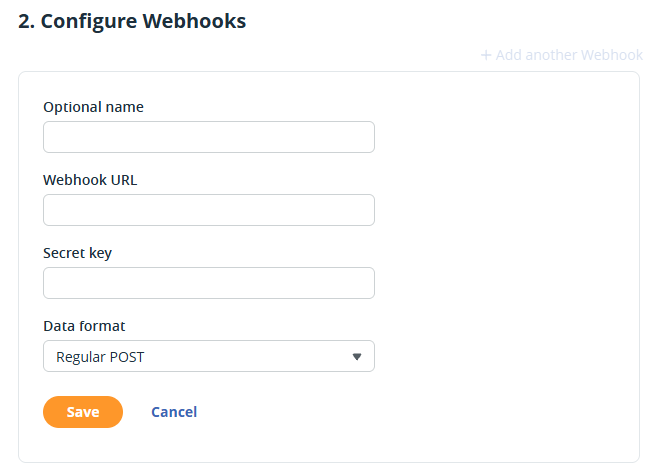
Add/Edit/Remove Webhooks
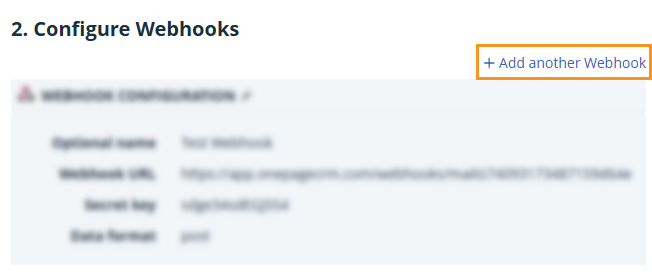
Add another Webhook
Go to Webhooks under Apps and Integrations → under Step 2, click on + Add another Webhook.
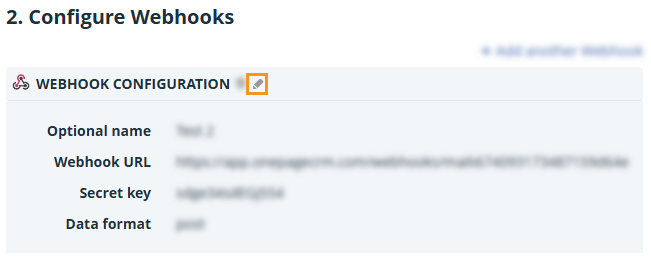
Edit an existing Webhook
Go to Webhooks under Apps and Integrations → under Step 2, click the pencil icon.
Delete a Webhook
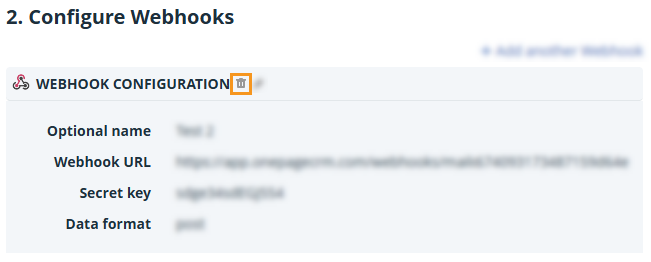
Go to Webhooks under Apps and Integrations → under Step 2, click the bin icon.
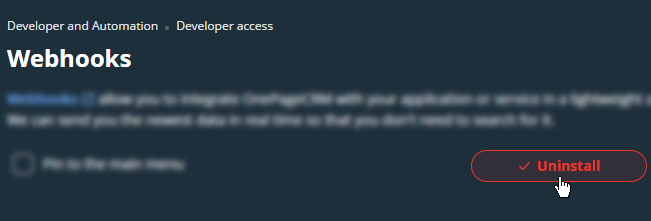
💡 If only one webhook remains, click Uninstall to remove it.
Built an integration with OnePageCRM?
Jump up to Article's Overview ⮝If you’re building your own integration with OnePageCRM, we’d like to hear from you! Fill out the form below and we’ll get back to you.
