
Select how many contacts are loaded in the Action Stream
Each user can select how many contacts should be loaded on a page.
Go to Settings → scroll down to Default number of contacts loaded → select an option from the dropdown.
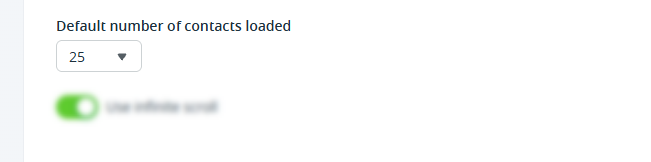
💡 Choose between 10; 25; 50; 100.
💡 Use infinite scroll to automatically load more contacts as you scroll down the list.