Merge and Search with the Lead Clipper
Streamline your workflow with OnePageCRM’s Lead Clipper: quickly search contacts, merge new data, or update existing CRM entries in seconds.
1
Once the Clipper has been installed and you are logged in, open a contact profile on a supported social media platform → click on the OnePageCRM logo on the top right of the browser's address bar.

2
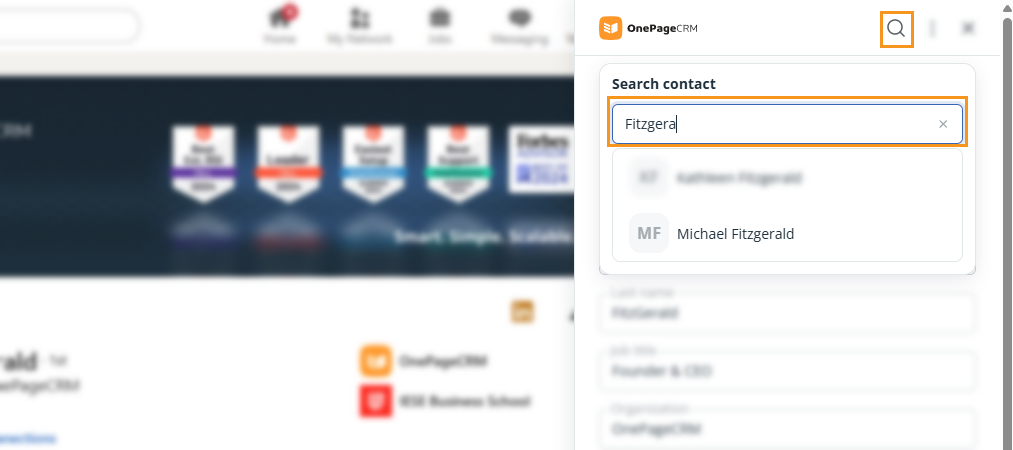
In the Clipper panel, you can search for an existing CRM contact.
3
If a match is found, you can either merge or edit the data → click Save.
Merge the new data by clicking on the upward arrow (↑).
Edit the existing contact in the CRM by clicking on the pencil icon.