Filter by Status Duration
OnePageCRM automatically calculates the time a lead or a contact spends in a Status. Build a filter to quickly find leads that have gone stale.
1
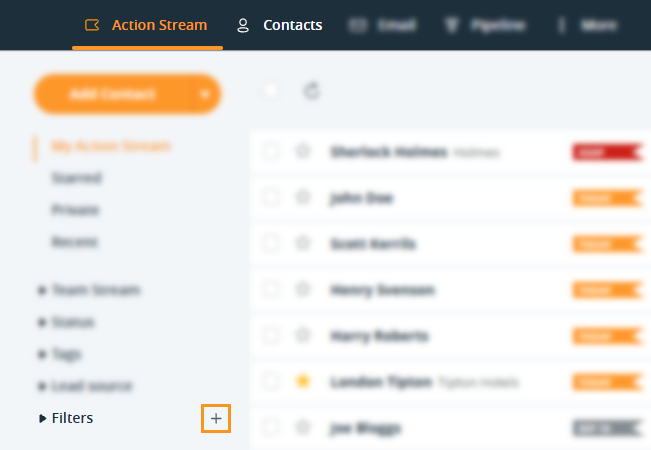
From the Action Stream or Contacts page, click on the plus icon (+) beside Filters.

2
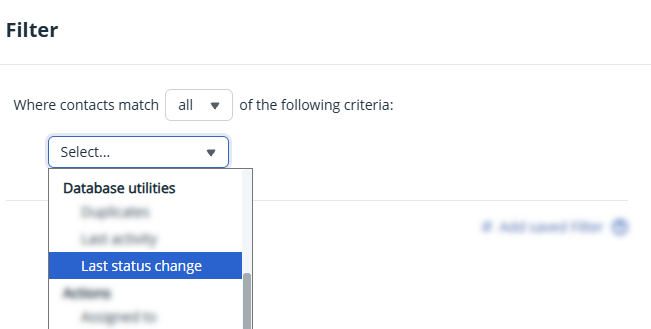
Click on the first dropdown → under Database Utilities select Last status change.

3
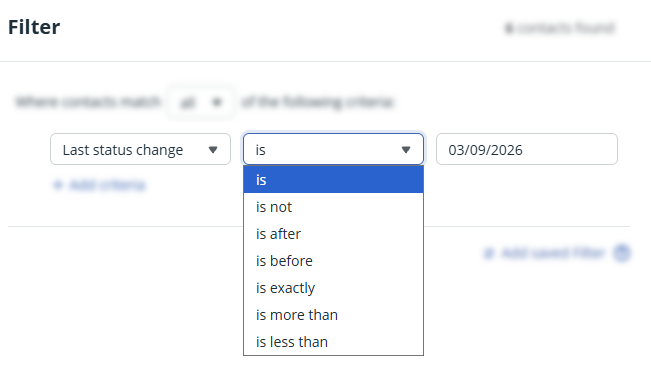
Define your date criteria in the second and third dropdown → hit Run.
You can choose from the following:
is + date
is not + date
is after + date
is before + date
is exactly + X amount of days ago
is more than + X amount of days ago
is less than + X amount of days ago

💡 Select + Add criteria to combine multiple criteria.
💡 You can name your filter and save it for future reference.