Focus mode in mobile CRM (iOS and Android)
On the mobile app, you can use the Focus Mode to customize your Action Stream and stay focused on the tasks that matter most for the day.
OnePageCRM's mobile app is available on both Android and iOS.
In this article:
Enable Focus Mode
1
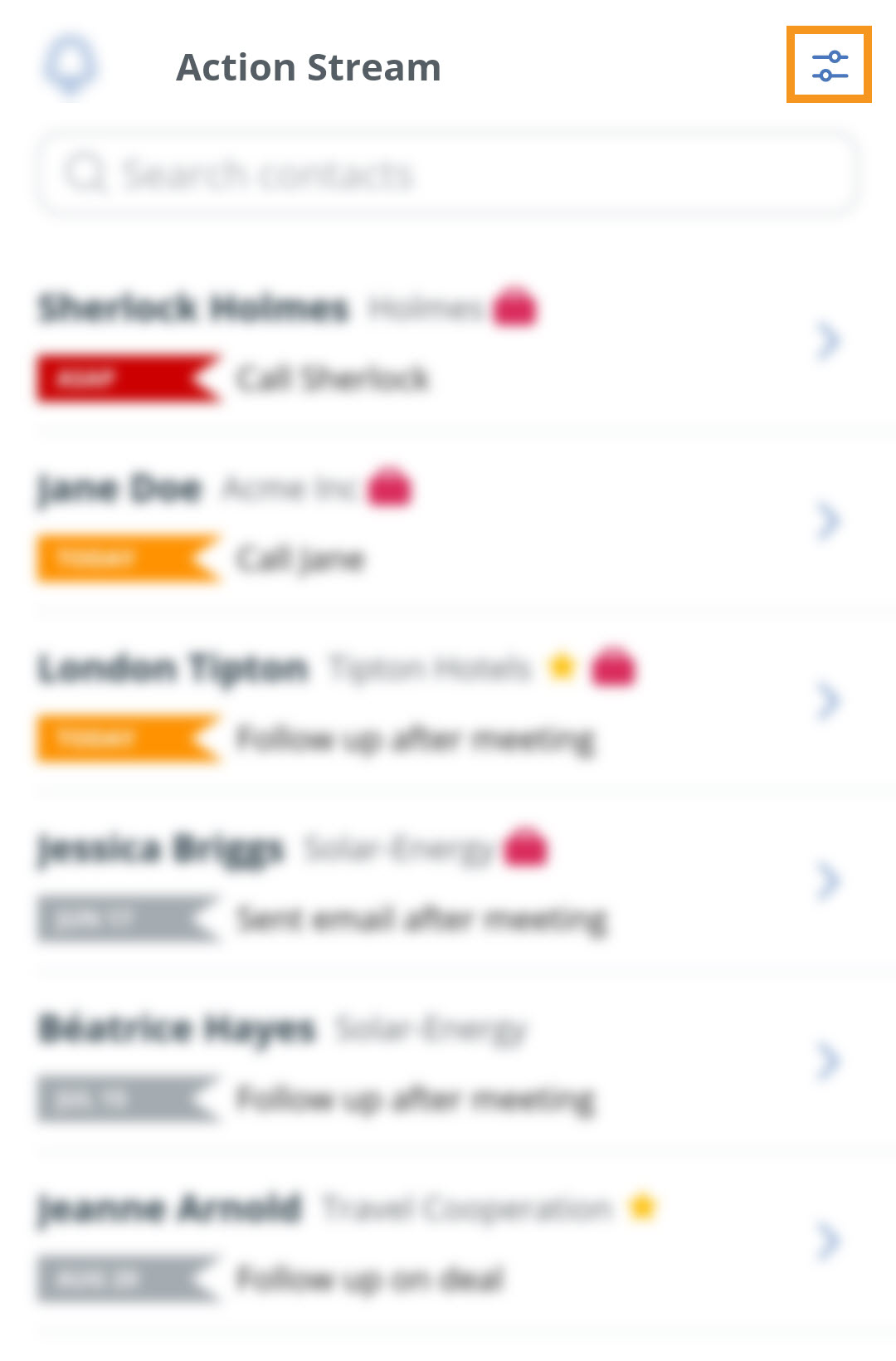
Click on the Filter icon in the top right hand corner of the Action Stream on the mobile app.
2
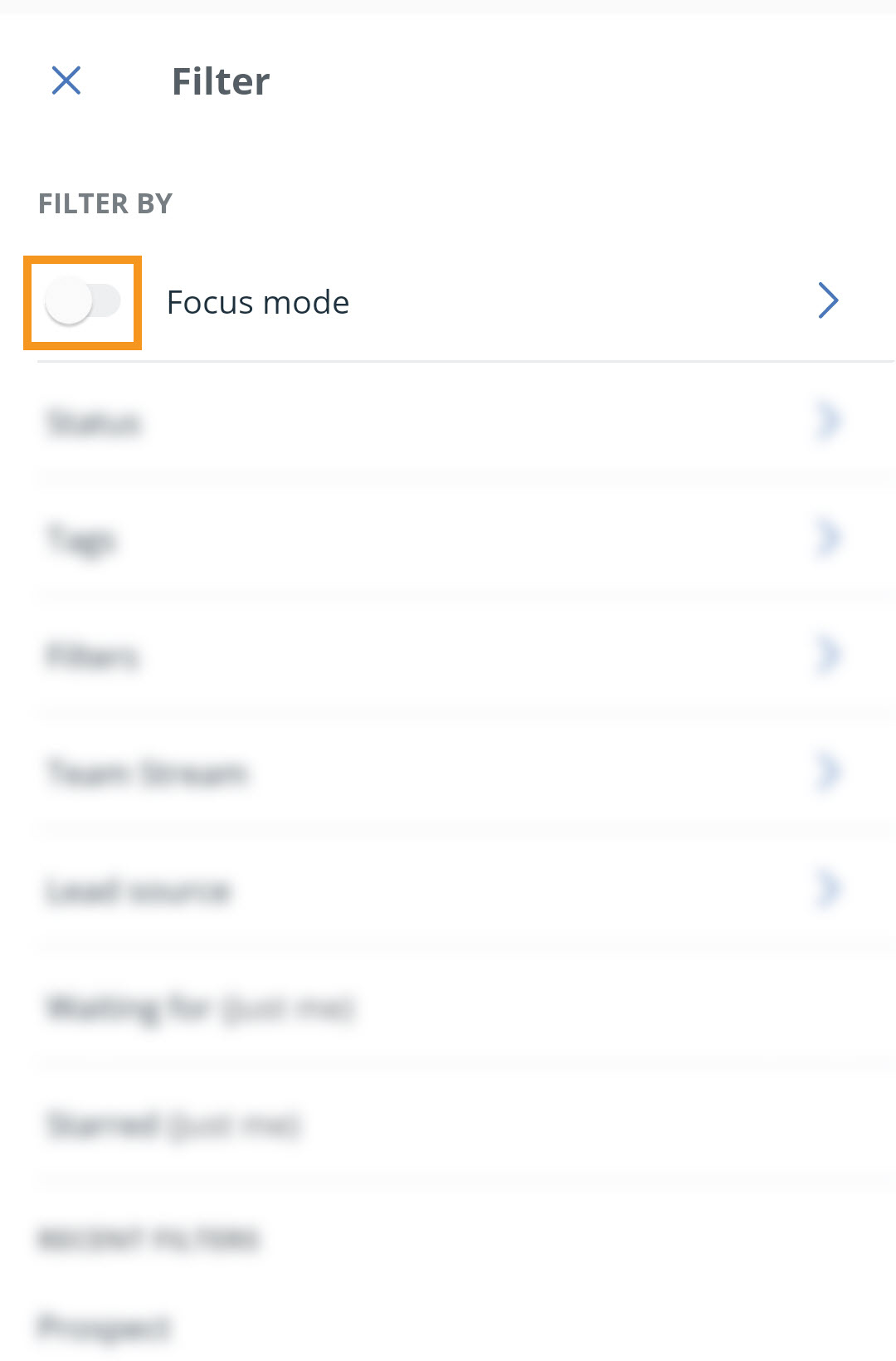
Toggle the slider to enable/disable the Focus mode on the mobile app.
Green - Enable
Grey - Disable
Configure Focus Mode
1
Click on the Filter icon in the top right hand corner of the Action Stream on the mobile app.
2
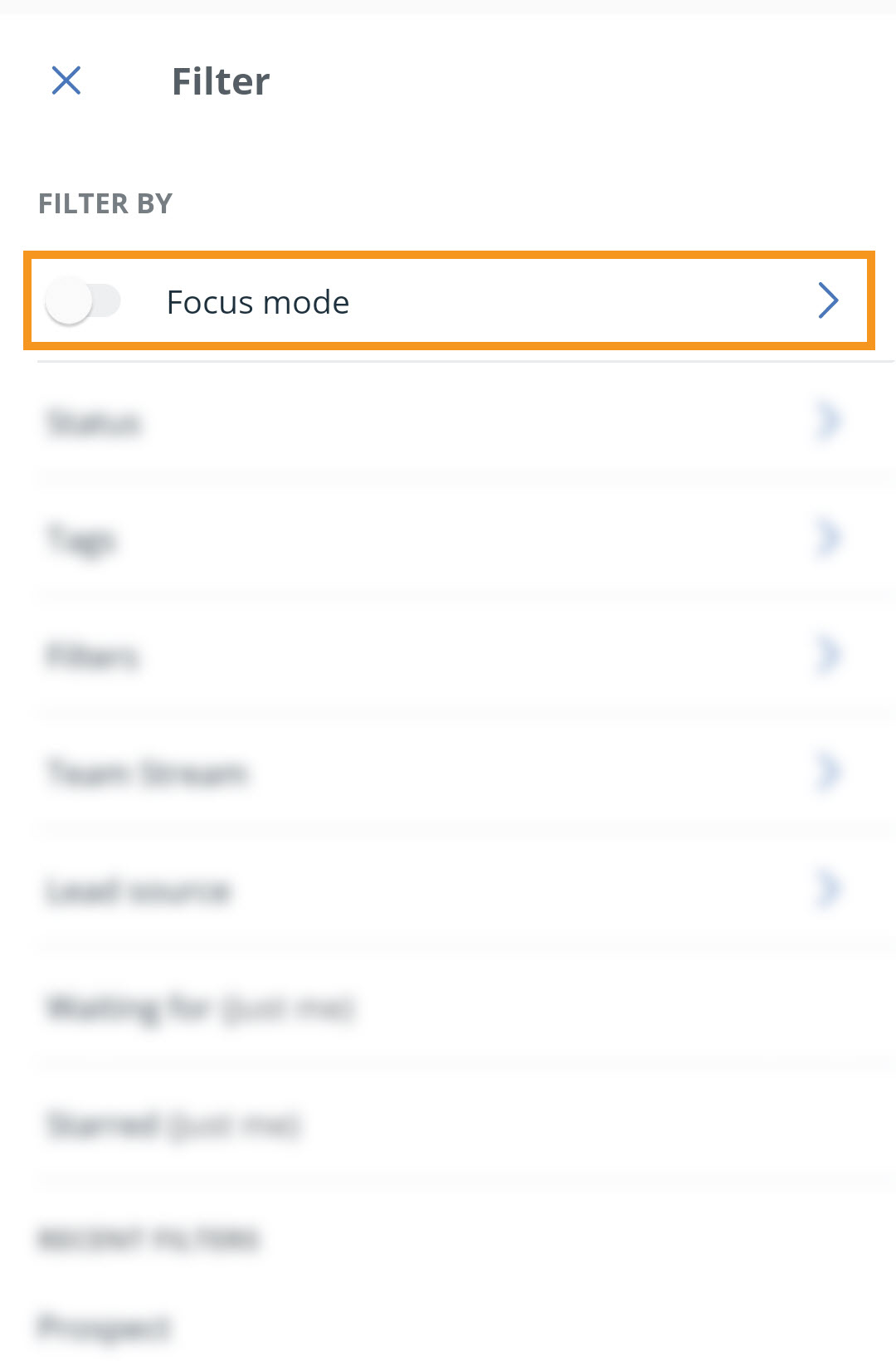
Click on the Focus mode.
3
Make your selection → click on Save and run.
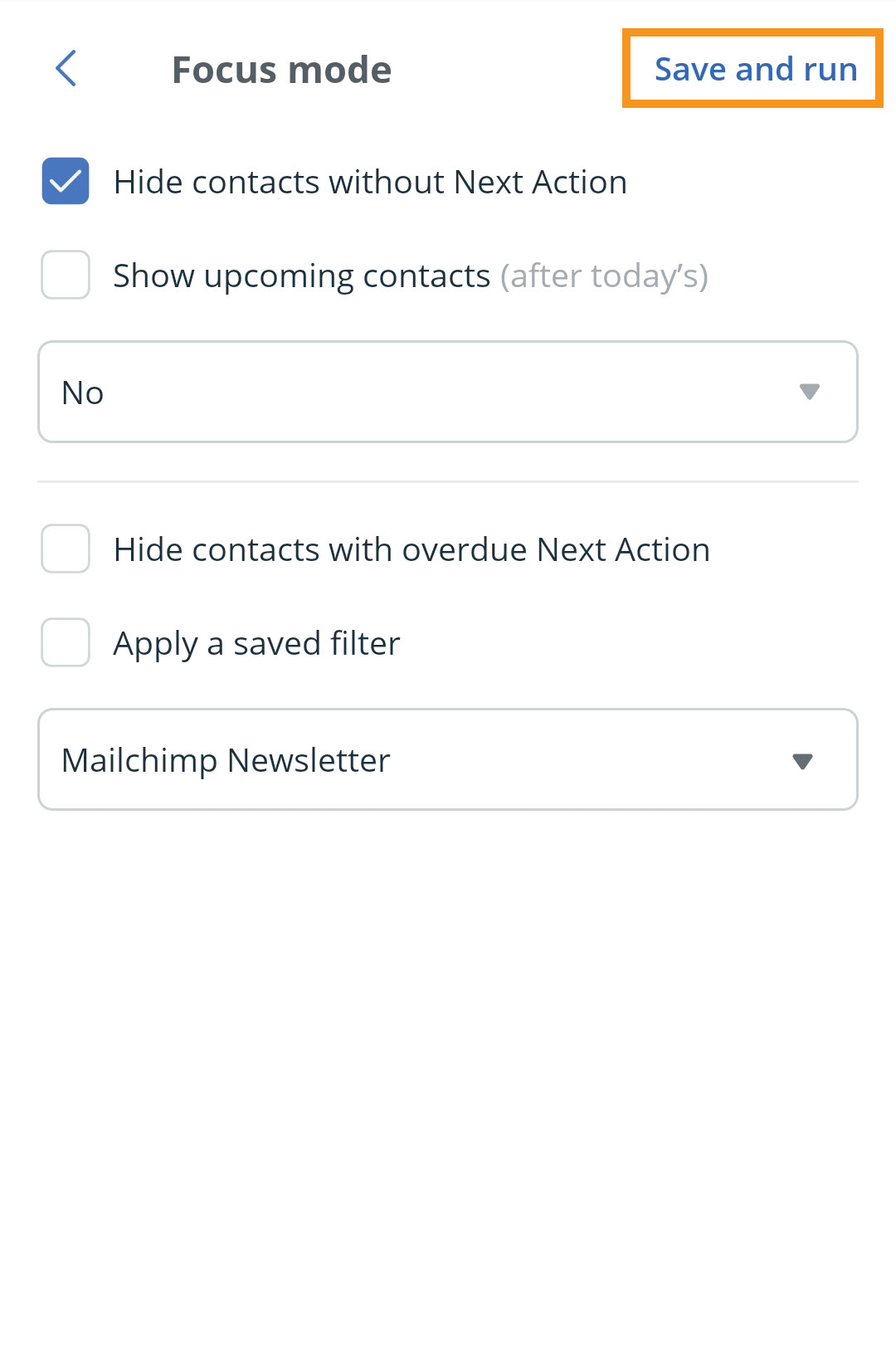
💡 Here's a short overview of what each Setting does in the Focus Mode.

