
Xero
Xero is a cloud-based accounting software designed for small and medium-sized businesses. You can create billing contacts and draft invoices by installing the Xero integration.
- Only the Account Owner or Administrators can configure and manage the integration.
- You need an Xero account to connect it to OnePageCRM.
In this article:
| How to install the Xero integration |
| How to create a draft Invoice or Quote with Xero |
| Xero Widget |
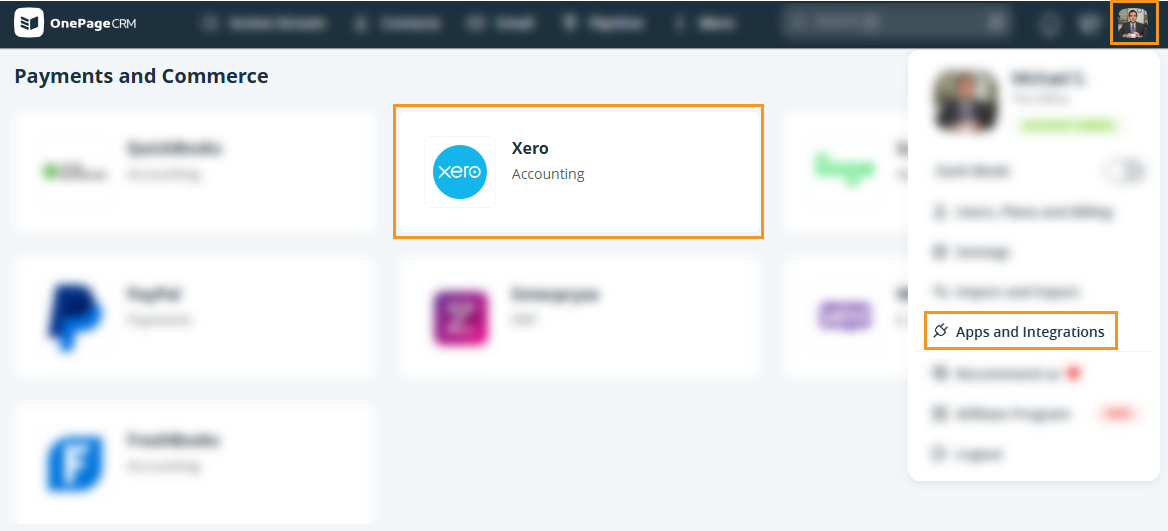
How to enable Xero CRM integration

How to create a draft Invoice or Quote with Xero
Jump up to Article's Overview ⮝

💡 If no organization is saved, the contact’s first and last name will be shown instead.
💡 If no matching contact is found in Xero, it will be created automatically.
💡 Select a contact or organization address from the dropdown.
💡 If the contact exists in Xero, their billing address is added automatically.


💡 Search for a Xero contact when creating an invoice/quote. A new contact is added if no match exists.
💡 When creating a new billing contact in Xero, OnePageCRM sends the name, organization, work phone, and address.
Xero Widget
Jump up to Article's Overview ⮝The Xero widget allows you to review information related to invoices/quotes of your Xero account.
With just one click, you can easily access invoices and quotes associated with your organizations in Xero directly from your CRM account.


💡 The latest 20 invoices and quotes are shown. Click Show More to load 20 more.
💡 The widget matches data by Organization name, then Contact name, and finally email address.
💡 If an organization has multiple contacts, all its invoices and quotes are shown for each contact in the Xero widget.