
Sage Accounting
Sage Accounting provides online accounting and payroll tools for small businesses.
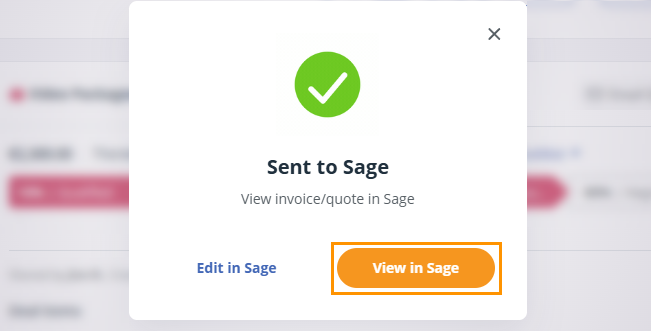
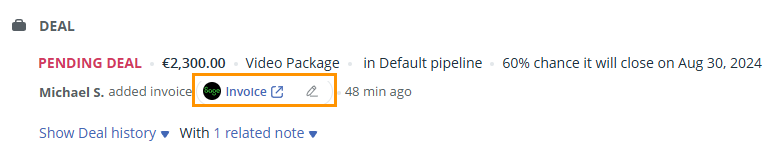
With the Sage integration, you can create billing contacts and draft invoices in one click. Contact and deal details, such as name, address, due date, description, and amount, are sent directly to Sage.
- Only Account Owner or Administrators can configure and manage the integration.
- You need a Sage account to connect it to OnePageCRM.
- The account needs to be fully hosted on Sage Servers.
In this article:
| How to install Sage Accounting |
| How to create a draft invoice with Sage Accounting |
How to integrate your CRM with Sage Accounting
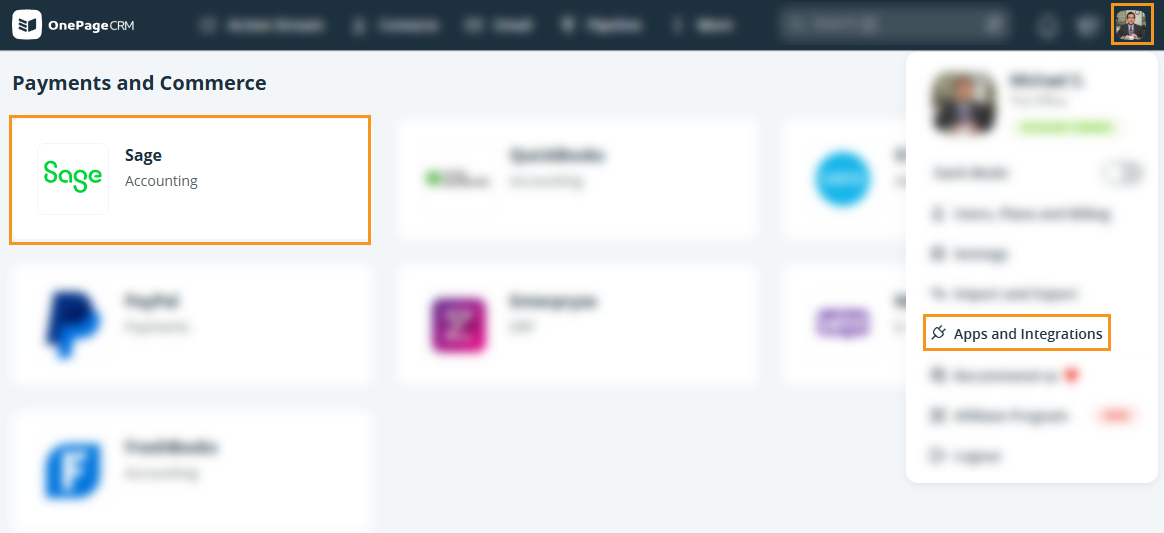
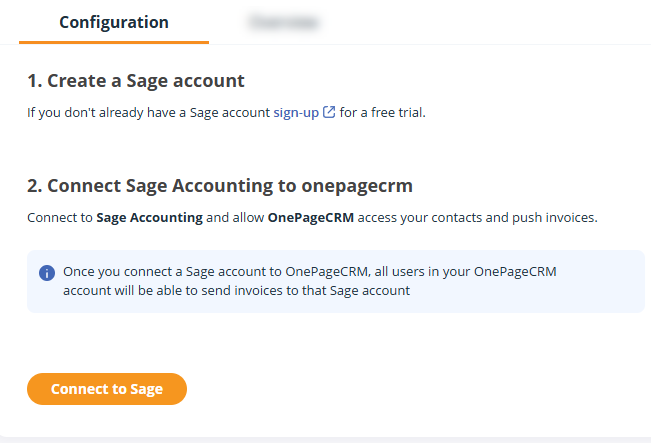

The integration is only available for Sage accounts in these countries:
- United Kingdom
- Ireland
- Germany
- Spain
- United States
- Canada
- France

How to create a draft invoice in your CRM with Sage Accounting
Jump up to Article's Overview ⮝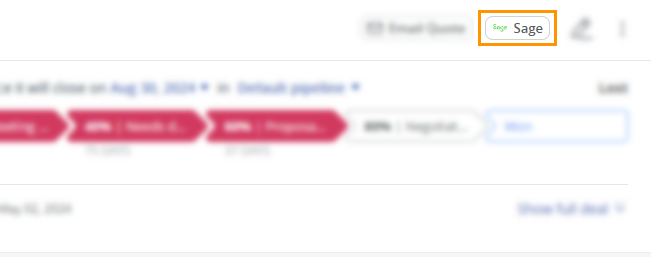
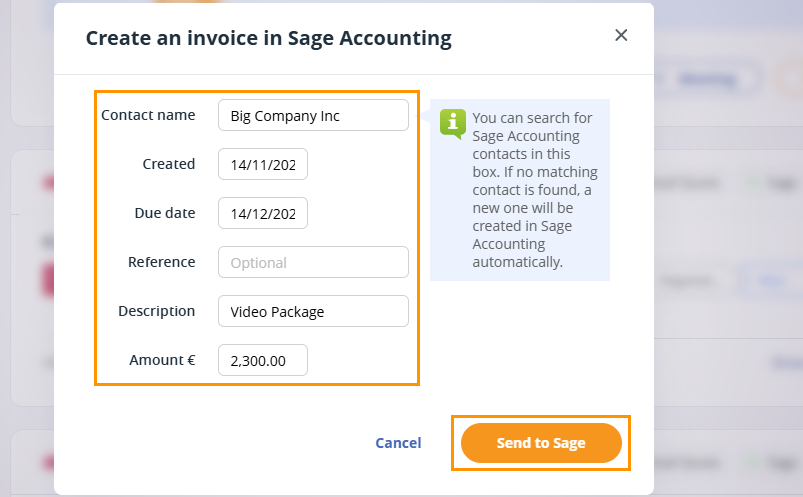
| Contact name |
|
| Created | Defaults to the date sent to Sage |
| Due date | Defaults to 30 days after the Created date |
| Reference (optional) |
|
| Description | Populates the Deal name |
| Amount | Populates the Deal amount |
💡 The Organization name is shown by default. If none is saved, the contact’s name is used instead.
💡 Search contacts by name. If no match is found in Sage, a new contact is created automatically.
💡 When creating a billing contact in Sage, OnePageCRM pushes the name, organization, phone, and address details.
💡 Due dates must be set for a future date.
💡 A draft invoice cannot be created if the Amount field is empty.