How to delete emails from OnePageCRM
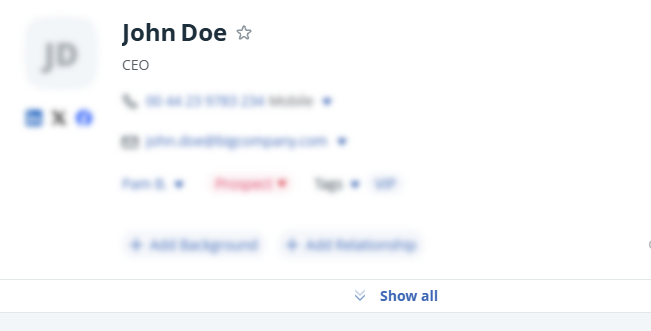
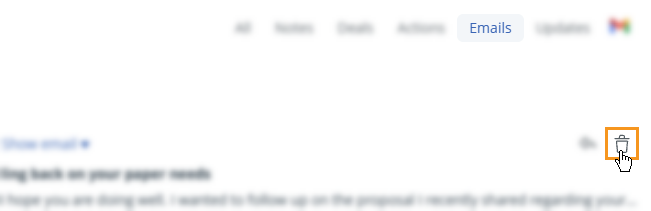
Remove unwanted emails from OnePageCRM on the Email Page or in a Contact’s Timeline to keep your records tidy. Emails you delete in Gmail or Outlook 365 stay in your CRM.
In this article:
| Delete emails from the Email Page |
| Delete emails from the Contact Page |
Email Page
Jump up to Article's Overview ⮝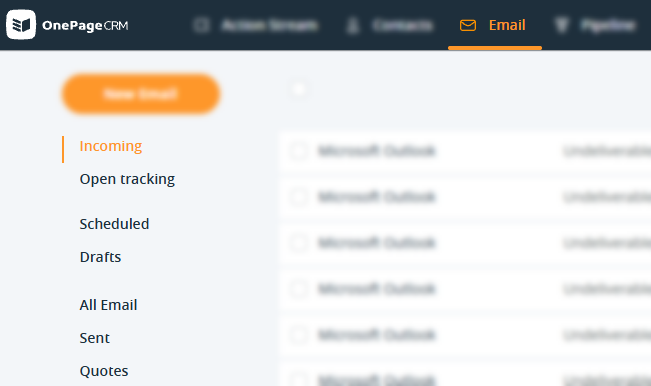
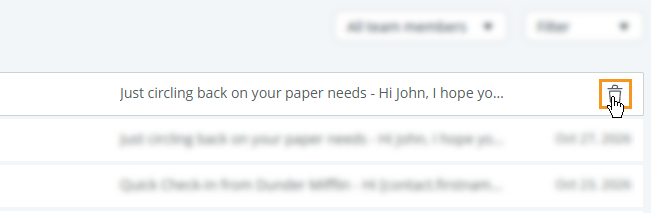
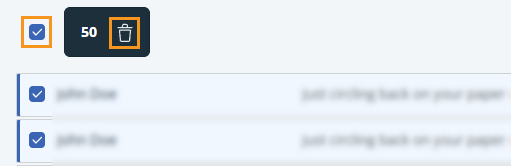
💡 To remove multiple emails at once, select them by their checkbox → click the bin icon.
Contact Page
Jump up to Article's Overview ⮝