How to search contacts by location (Address, Zip, City, State, Country)

Find CRM contacts based on location using Filters or a Custom Search.

Use  Address, Zip, City, State, or Country search criteria to pinpoint the contacts you need. 


In this article:

Filter contacts by address Use Custom Search to find contacts by address


Filter contacts by address

Jump up to Article's Overview ⮝
1
Click on the plus icon beside Filters.

Action Stream | Filter dropdown | select the plus icon


2
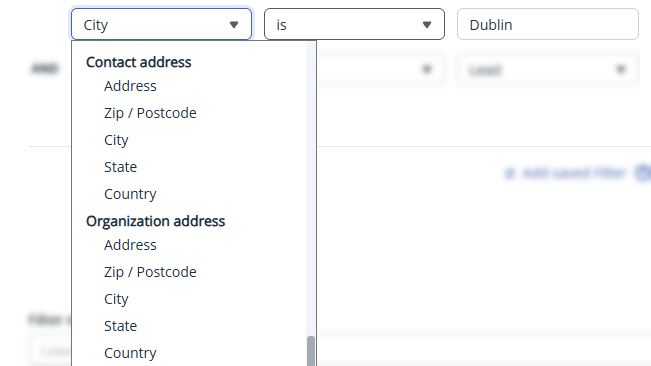
In the Filter pop up define the address criteria.
Address City Country
Zip State

💡 Distinguish between Contact address and Organization address

3
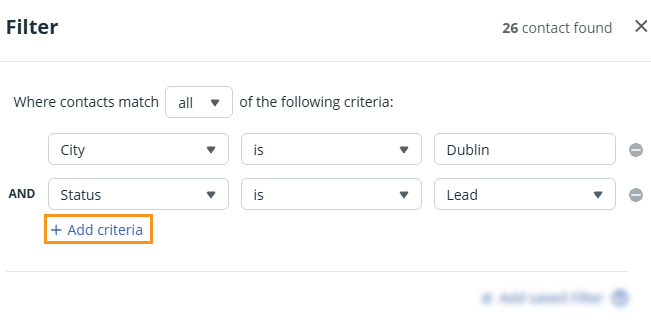
Click + Add criteria to combine multiple criteria.


4
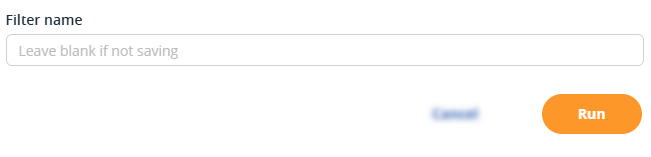
Click Run.


Use Custom Search to find contacts by address

Jump up to Article's Overview ⮝

1
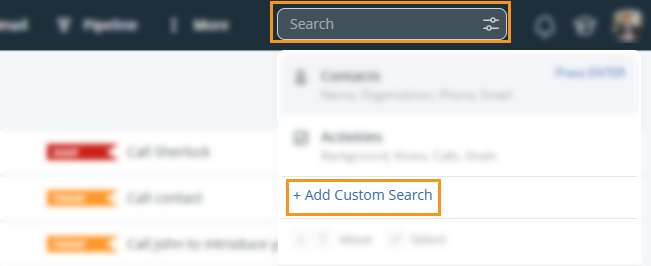
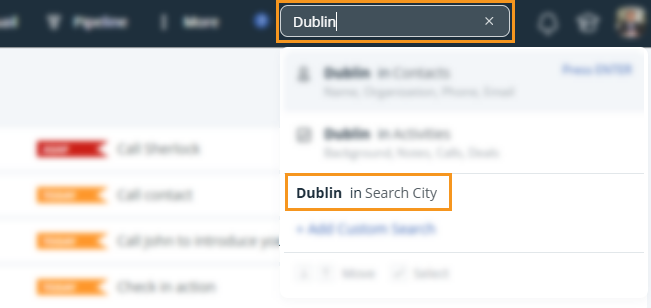
Click into the Search box → + Add Custom Search.

OnePageCRM | Search box | + Add Custom Search


2
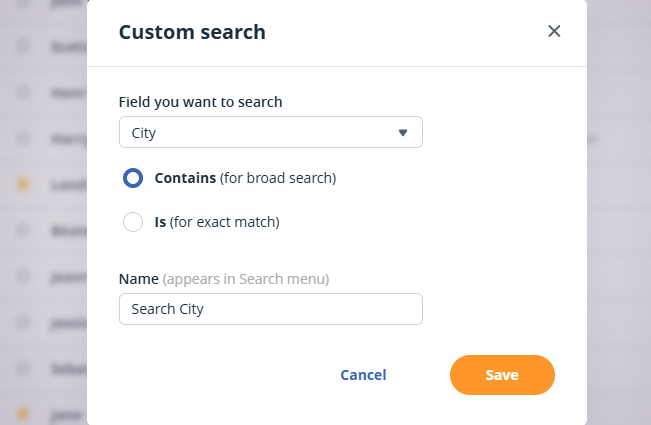
Add a name → select an address field to search for → decide to create a:
  • Broad search
  • Exact match
  • Custom Search pop-up window


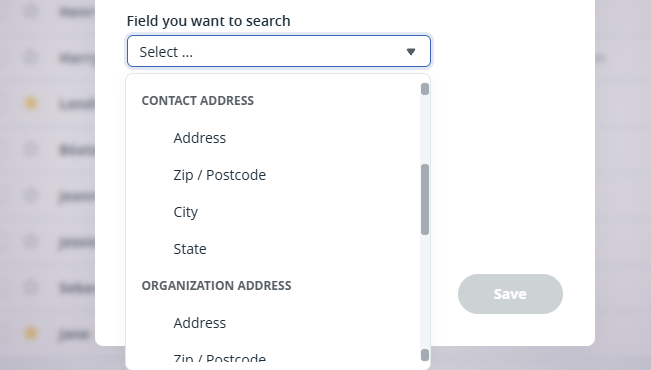
    Address City Country
    Zip State

    💡 Distinguish between Contact address and Organization address

    3
    Click Save → enter a value in the Search box → select the Custom Search from the dropdown.

    OnePageCRM | Search box | Custom Search option

    Did this answer your question? Thanks for the feedback There was a problem submitting your feedback. Please try again later.

    Still need help? Contact Us Contact Us