Customize call results options

Focus your follow-ups and call reporting by customizing the conversation results to suit your sales process.


  • Only Account Owner or Administrators can customize conversation results.

1
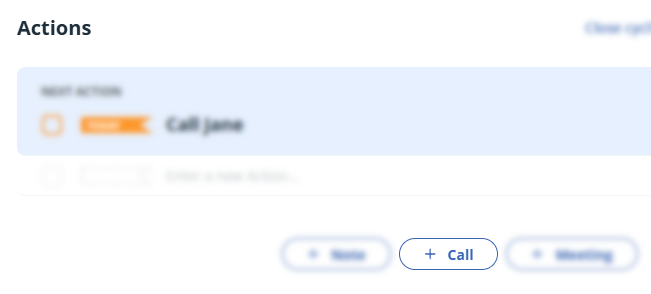
Open any contact → click + Call.

2
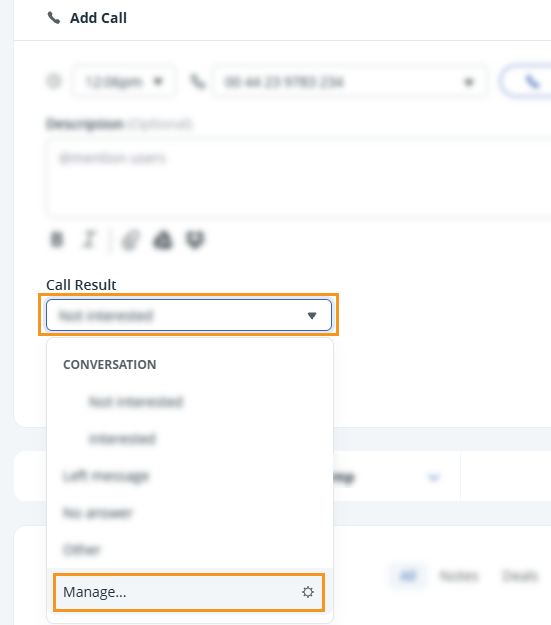
In the Call Result dropdown, click Manage....

Contact | + Call | Call result dropdown


3
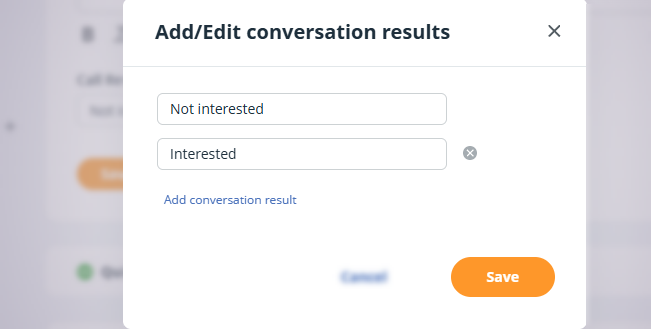
In the pop-up, make the necessary changes → Save.

  • Add conversation result - Add a new result
  • Delete - click the x icon
  • Edit - click into an existing result
  • Manage Call results pop-up


    💡 Left message, No answer, and Other cannot be edited and are default results.

    💡 Create a total of 5 conversation results, including the 3 default ones.

    💡 Use Filter Search to find calls by date and result.

    Did this answer your question? Thanks for the feedback There was a problem submitting your feedback. Please try again later.

    Still need help? Contact Us Contact Us