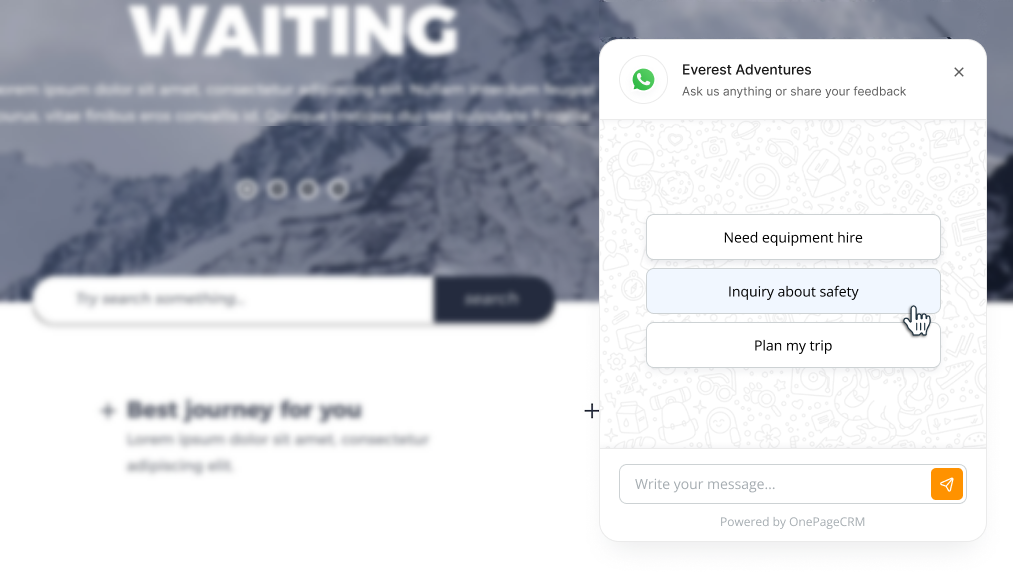
Add a WhatsApp Chat Button to your website
Add a WhatsApp chat widget to your website.
1
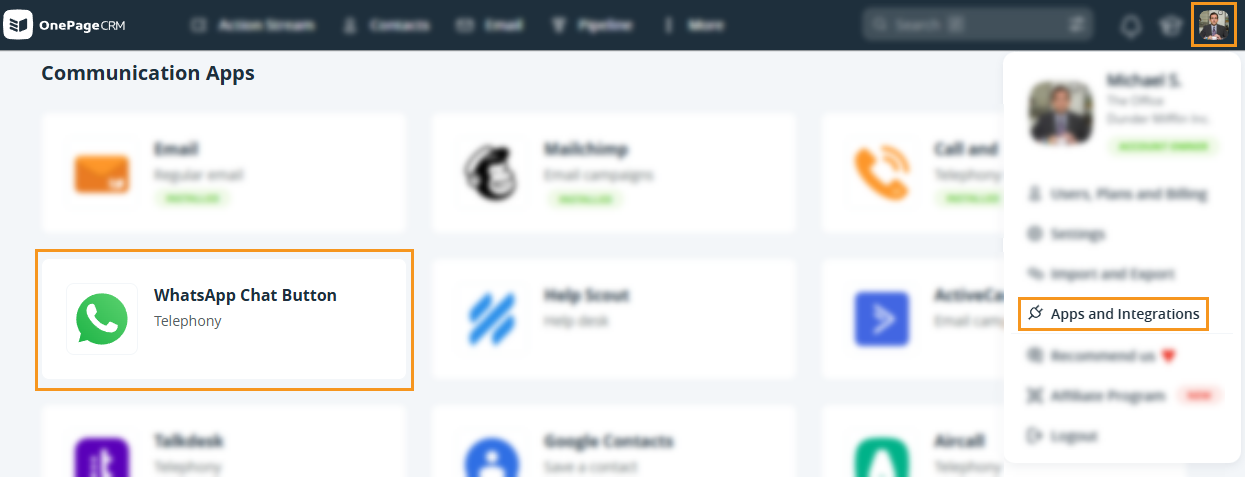
Go to WhatsApp Chat Button under Apps and Integrations → click Install.
2
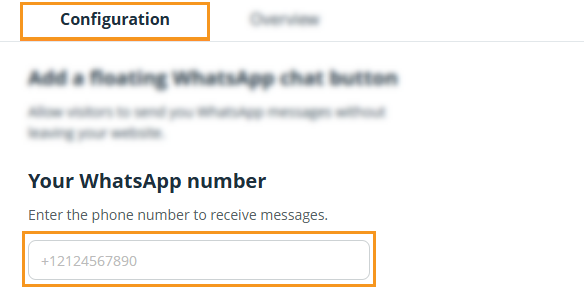
On the Configuration tab → add your WhatsApp phone number.
3
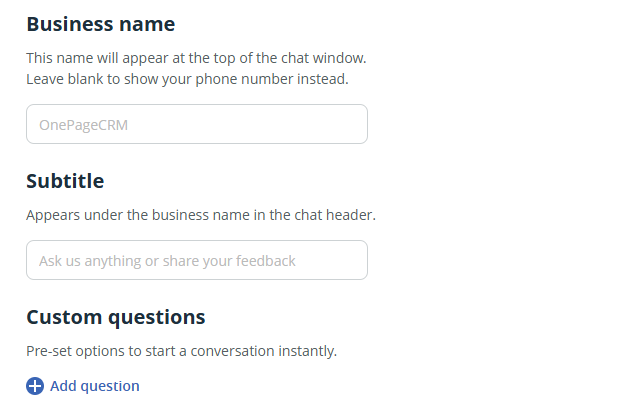
Optionally, you can also add:
Business name - This name will appear at the top of the chat window.
Subtitle - Appears under the business name in the chat header.
Custom questions - Pre-set options to start a conversation instantly.
4
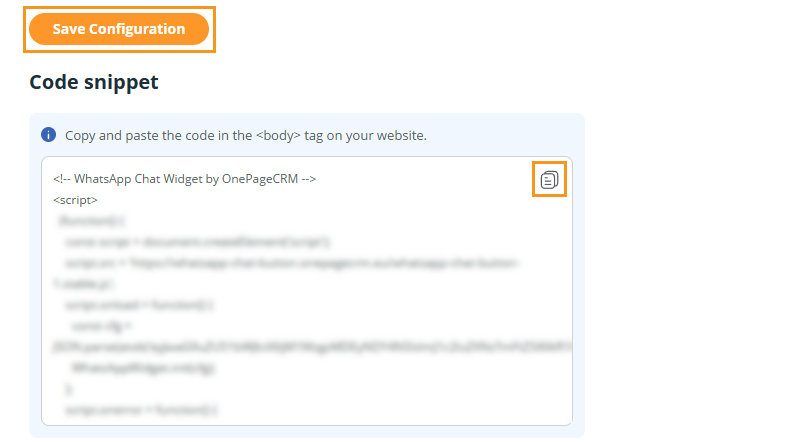
Click on Save Configuration and copy the HTML code snippet below to insert it on your website.
5
Once the chat has been embedded on your website, a WhatsApp chat button will be displayed.

Visitors on the website can click on the button to send you a message.