Reschedule or snooze overdue actions (tasks) in bulk
If you have a lot of overdue tasks in your Action Stream, you can reschedule (or snooze) them all in a couple of clicks.
1
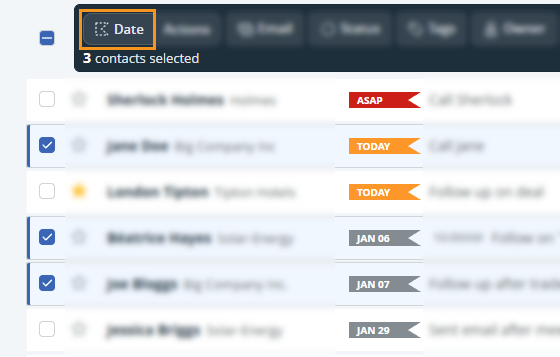
Select the appropriate contacts from any list view within the CRM → in the bulk update menu at the top → click on Date.
2
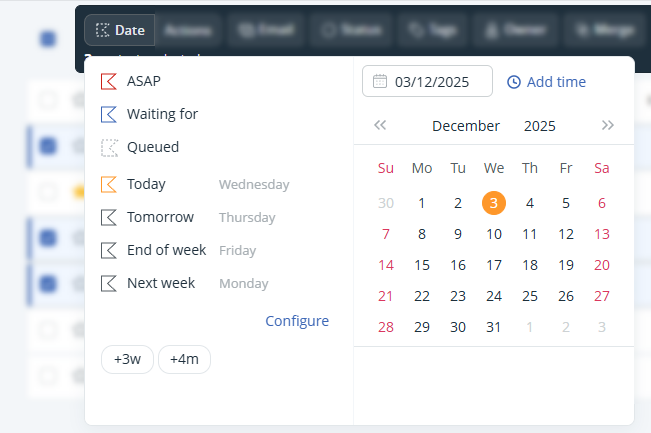
In the Date flag select a date and/or time (optional).
Select a date or predefined option on the left-hand side to reschedule the actions for another day.
Click on Add time to add the appropriate time → hit Enter on your keyboard to save it.
💡 You can only update actions that are assigned to you.
💡 See here for further details on why some actions are not updated.

