Update your profile picture

In OnePageCRM, you can customize your user profile and add a picture.


  • Users can only update their own profile picture.
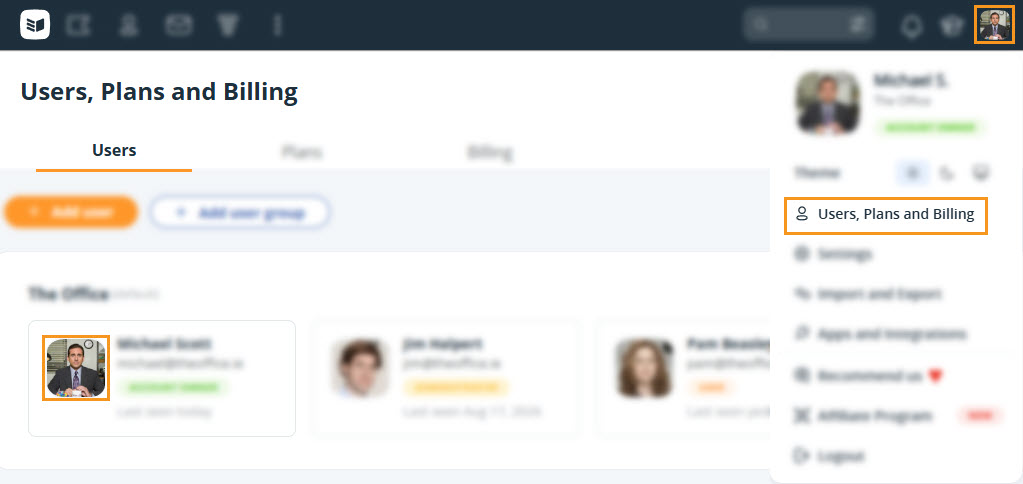
1
Go to Users → click on your initials or profile picture.

Users, Plans and Billing | Users | Profile picture


2
Here you can either:
  • Upload a photo from file.
  • Profile picture | Upload from file


  • Upload the photo from a URL.
  • Profile picture | Upload from URL


    3
    Crop the photo as needed → click Upload.

    Profile picture | Crop image


    💡 Remove the picture by clicking Delete.

    Profile picture | Delete image

    Did this answer your question? Thanks for the feedback There was a problem submitting your feedback. Please try again later.

    Still need help? Contact Us Contact Us
