Organization view in mobile CRM (iOS and Android)
The Organization view on our mobile app gives you a quick overview of a company and related details in one place.
It shows key details, such as totals of pending/won deals, associated deals, and contacts.
In this article:
| Access the Organization view | Adding Contacts to an Organization |
| Editing an Organization | Linking Existing Contacts to an Organization |
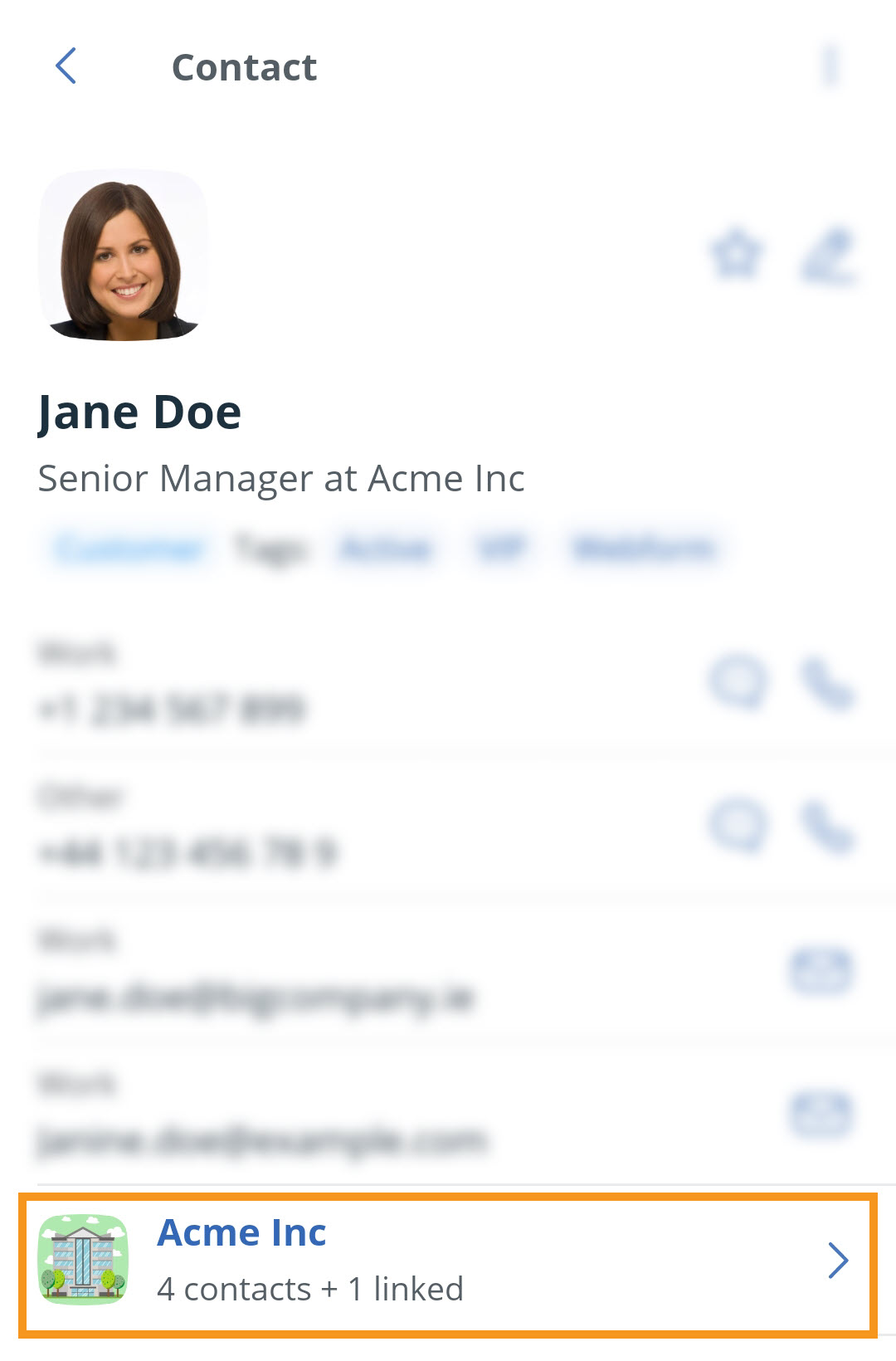
Access the Organization view
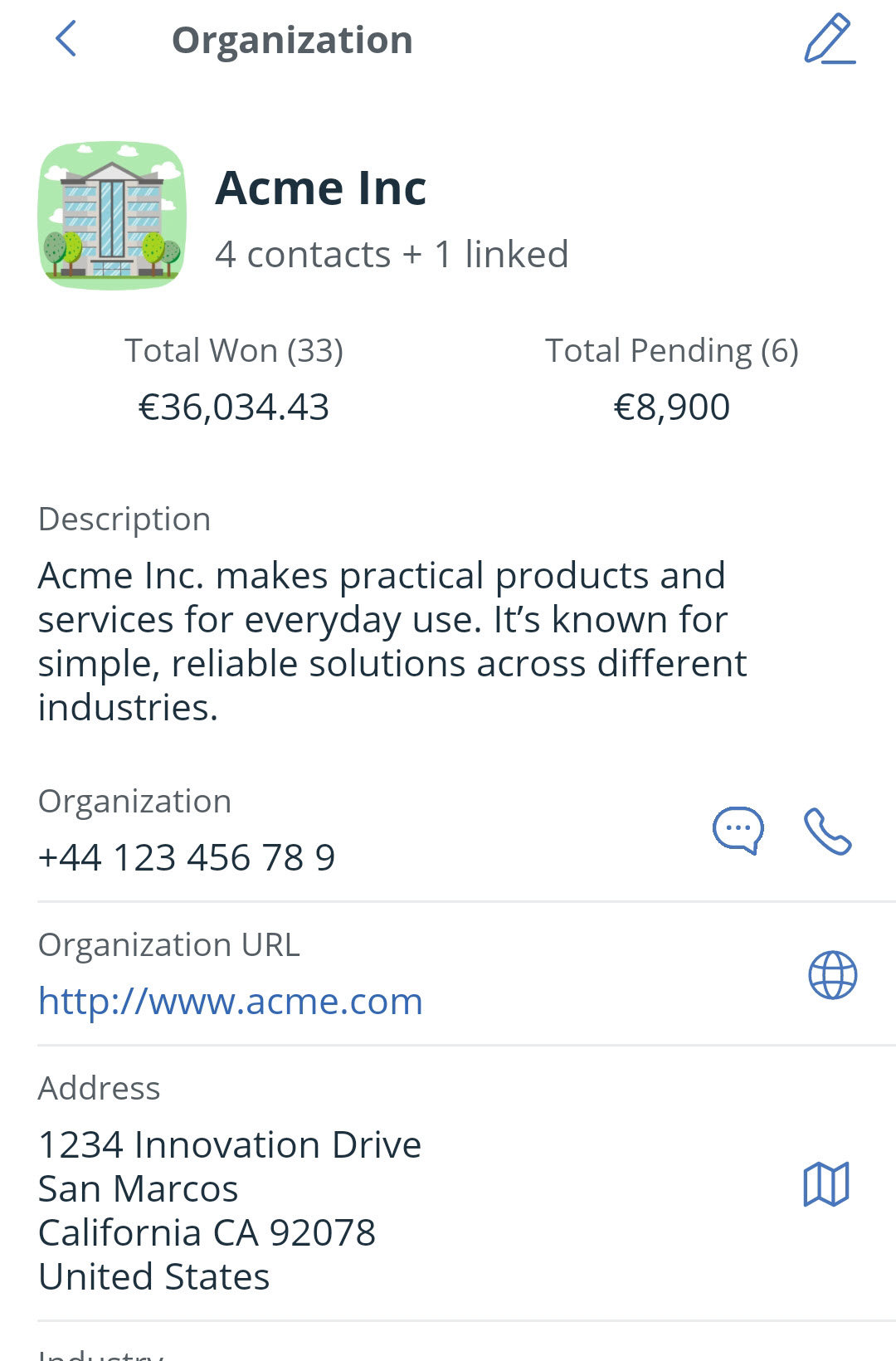
💡 Click on the phone icon to initiate a call.
💡 Click on the text icon to initiate a text message.
💡 Click on the Globe icon to open the website URL.
💡 Click on the map icon to view the address on Google Maps.
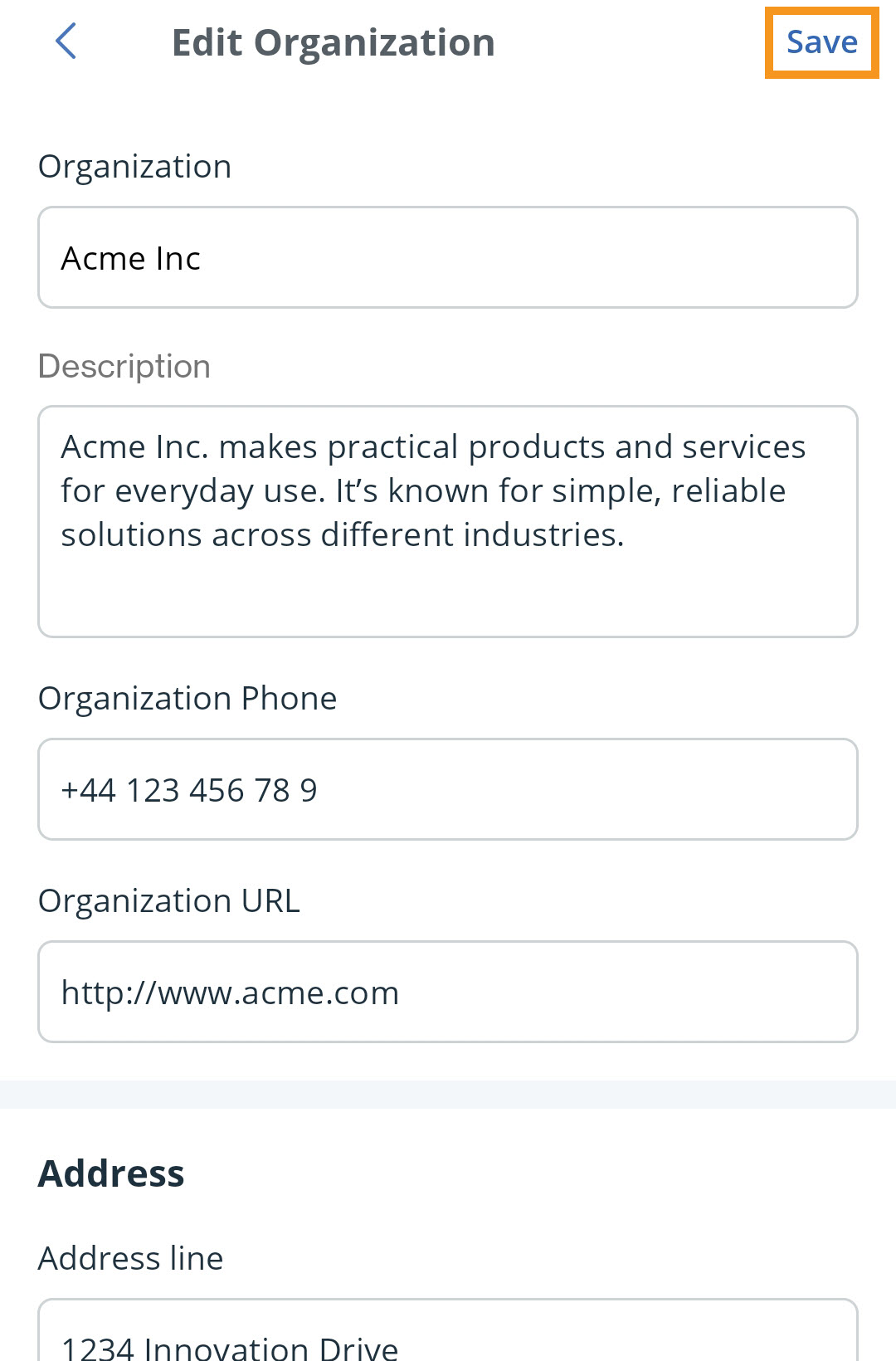
Edit an Organization
Jump up to Article's Overview ⮝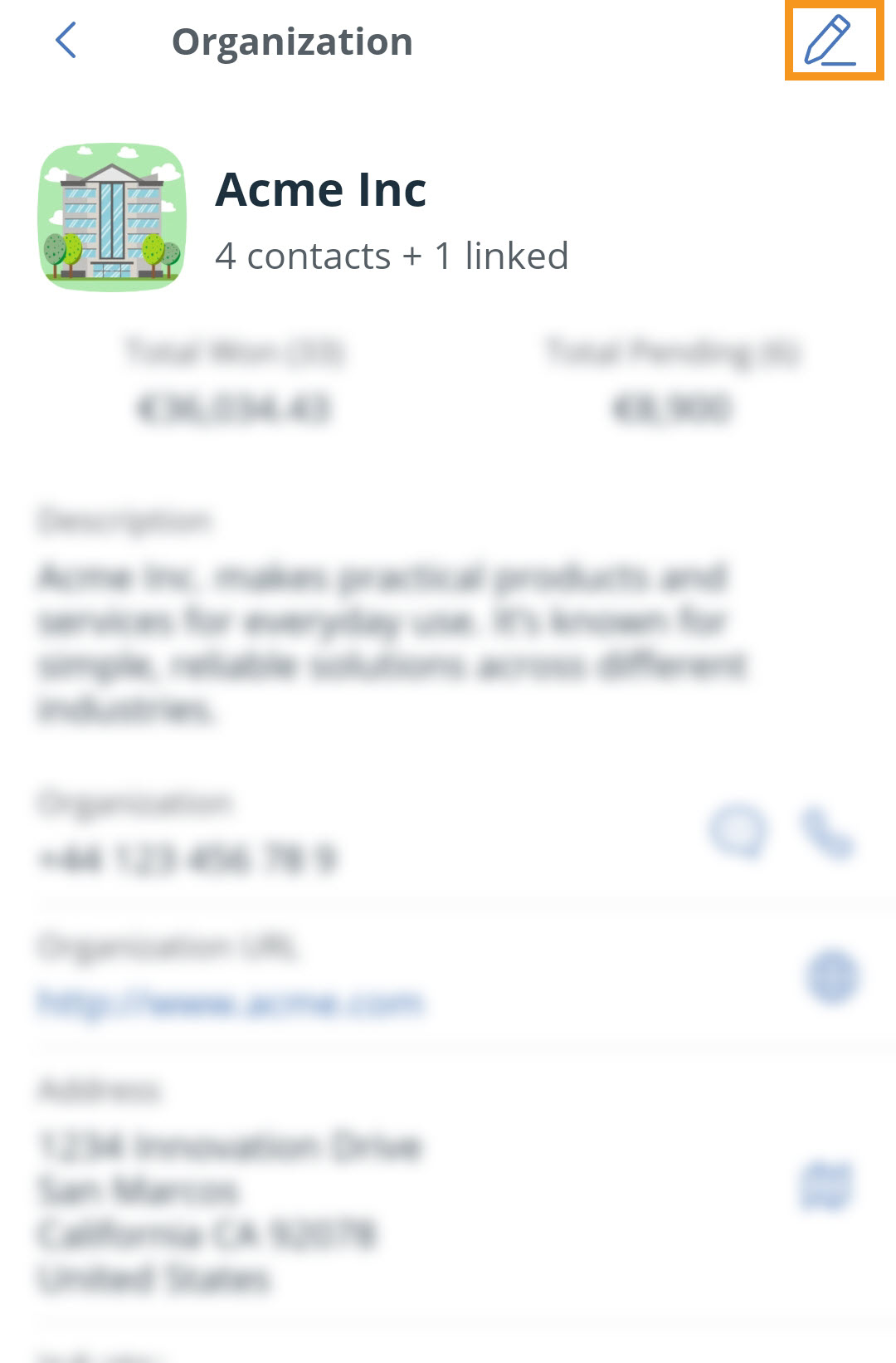
Adding Contacts to an Organization
Jump up to Article's Overview ⮝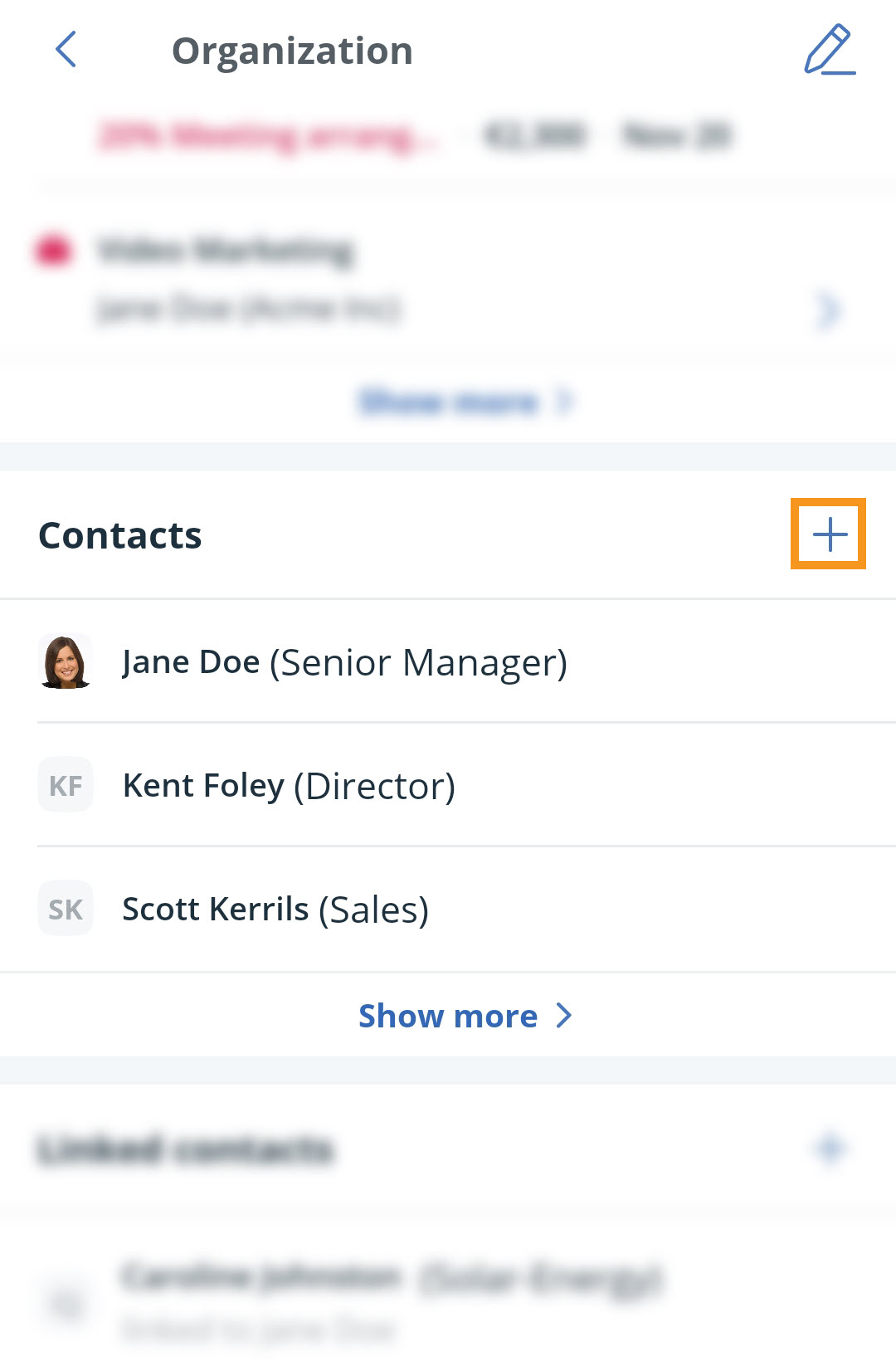
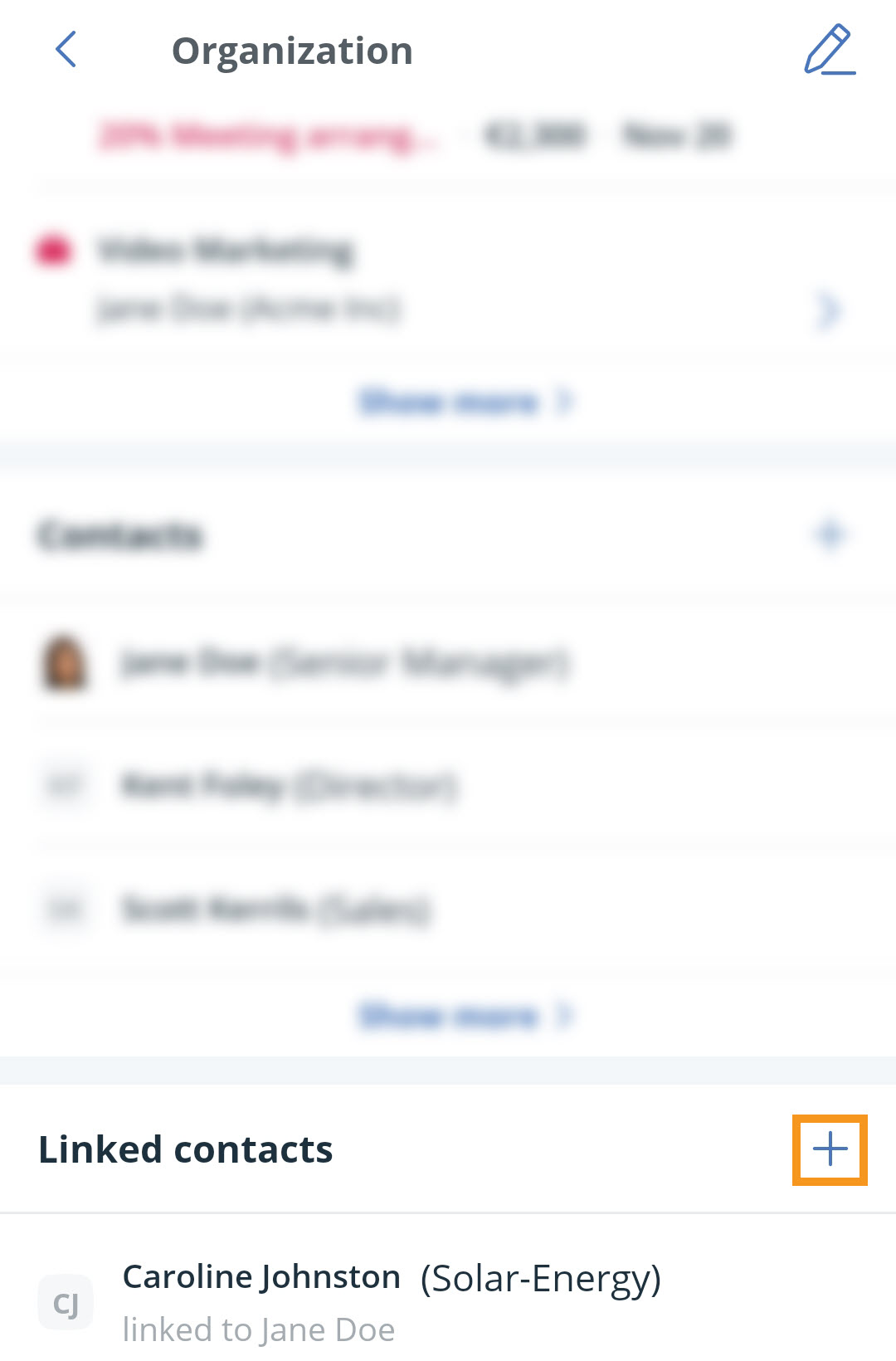
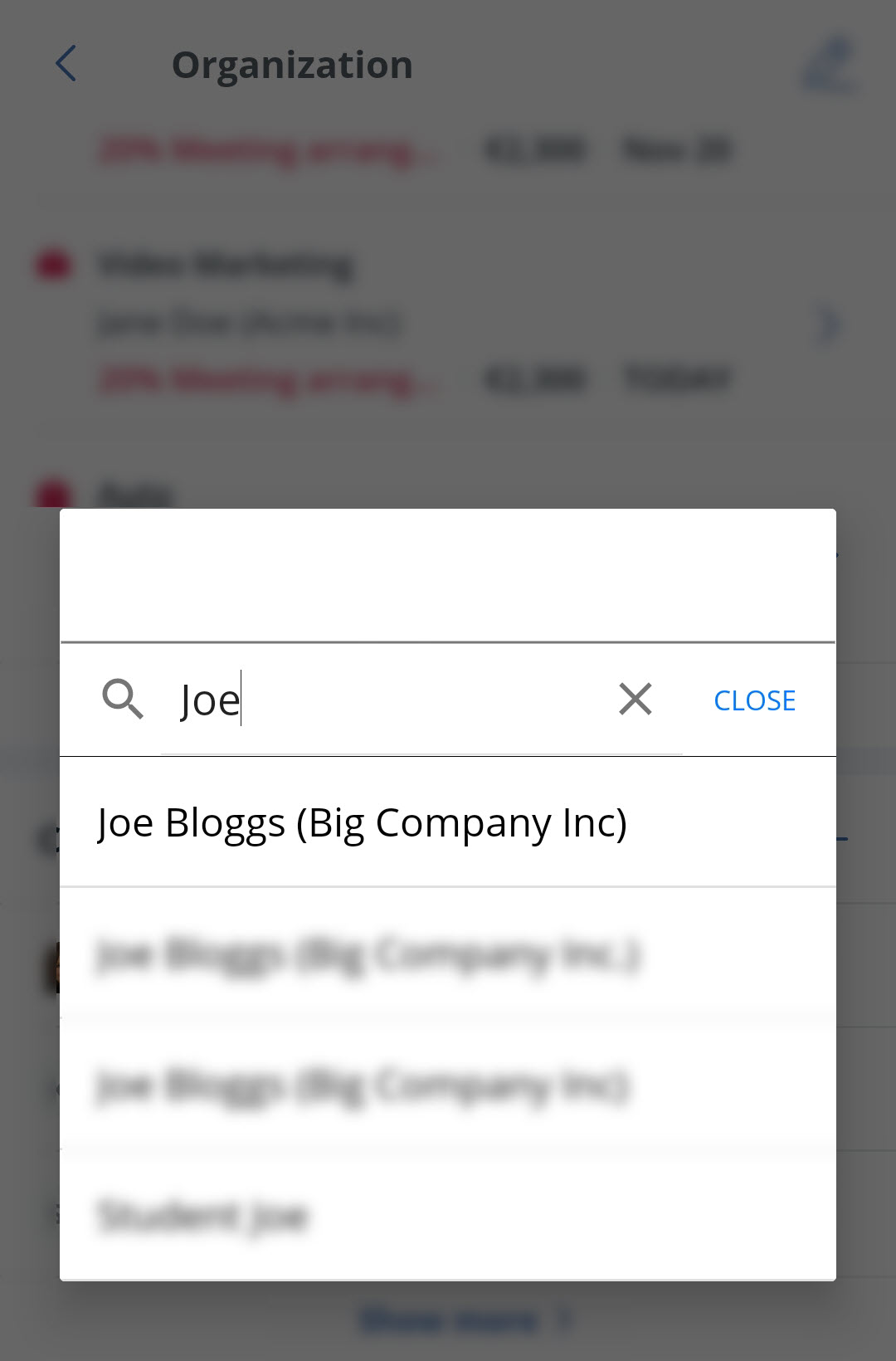
Linking Contacts to an Organization
Jump up to Article's Overview ⮝