
Notes in mobile CRM (iOS and Android)
Keep your contacts updated on the go by adding Notes, Calls, and Meetings to them using the OnePageCRM Mobile App.
In this article:
| Add a Note, Call, or Meeting to the mobile app |
| Find and edit a Note, Call, or Meeting in the mobile app |
| Remove a Note, Call, or Meeting in the mobile app |
Add a Note, Call, or Meeting to the mobile app
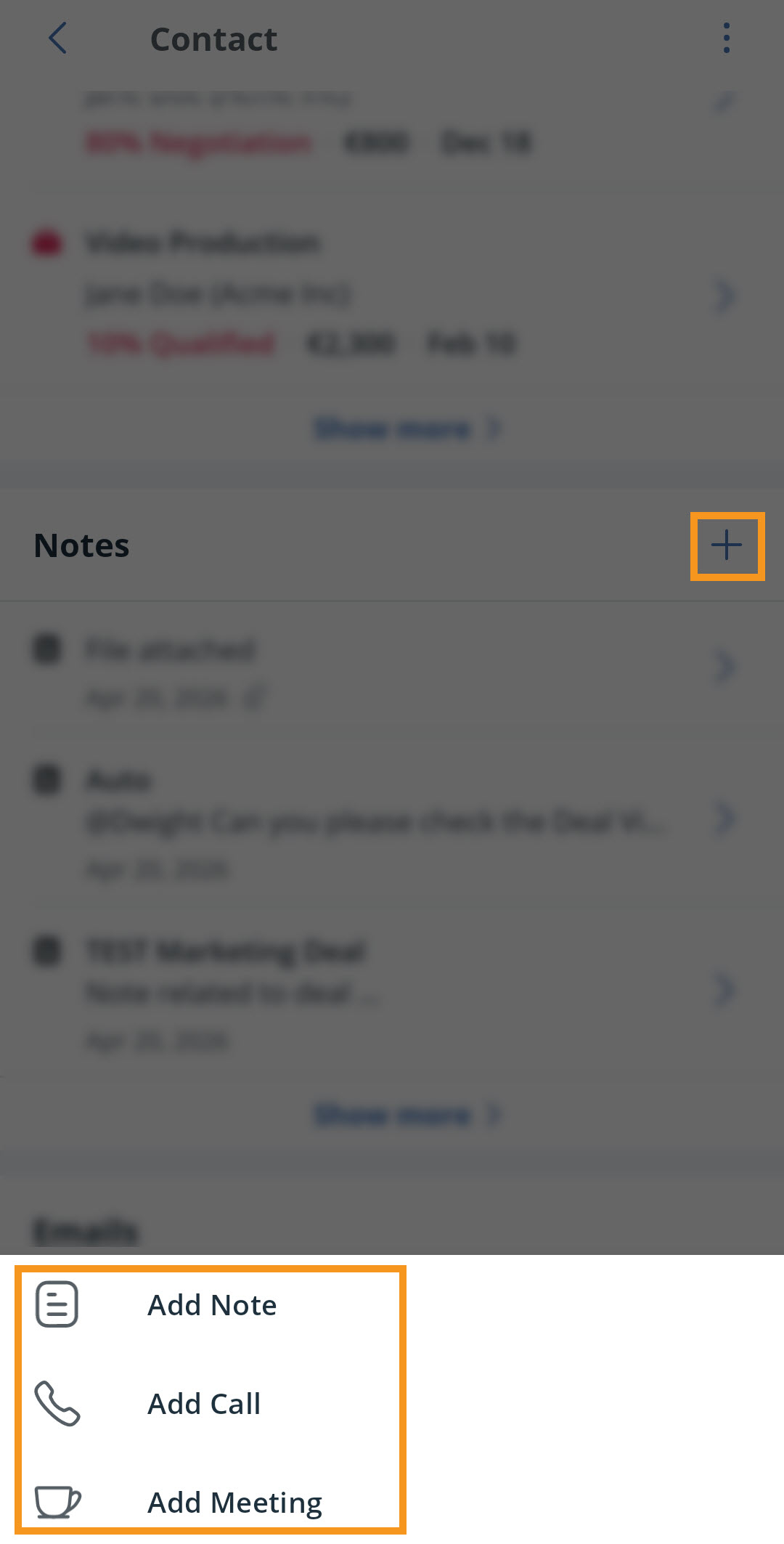

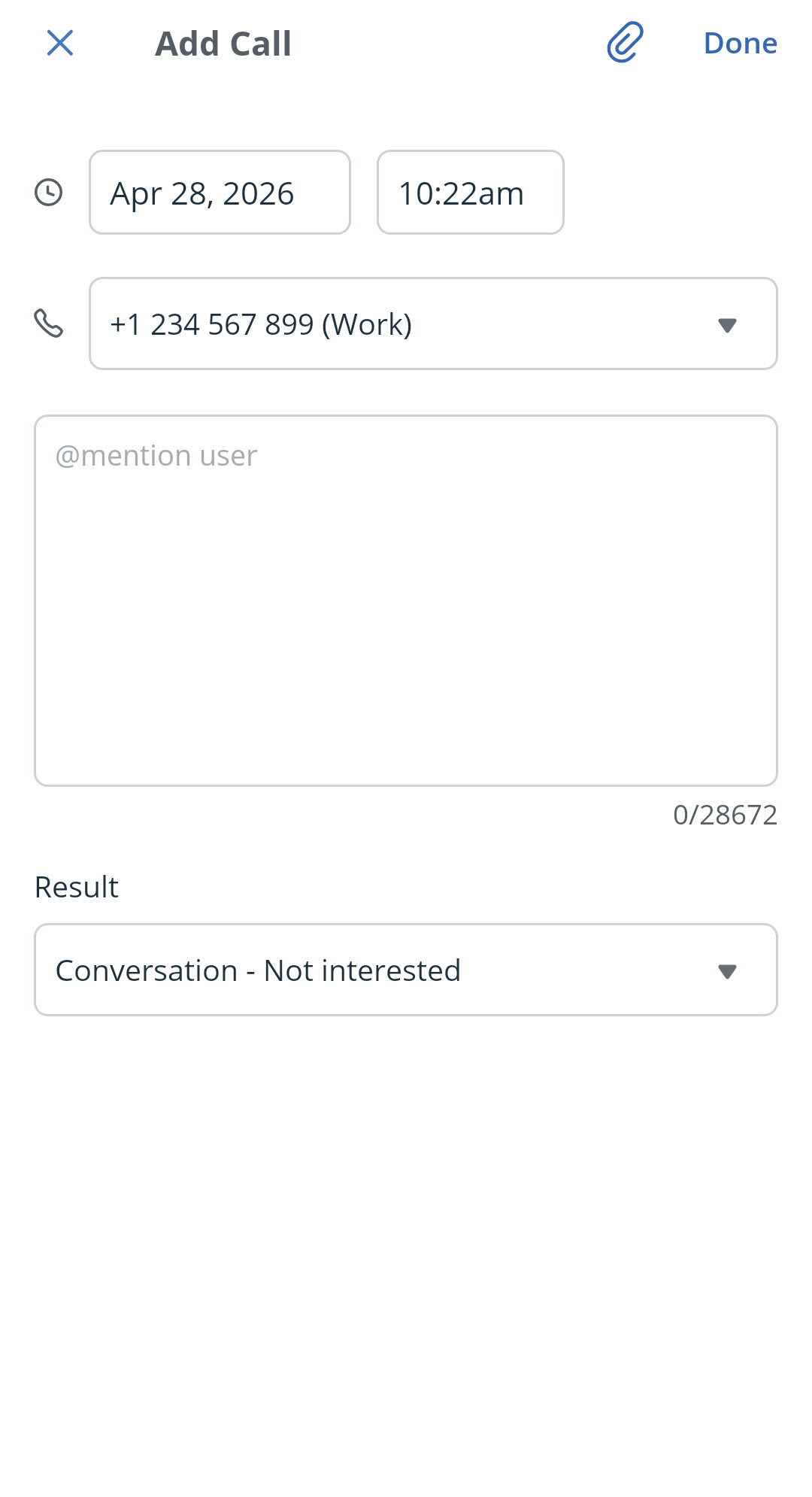
💡 Customize call results in the browser version.
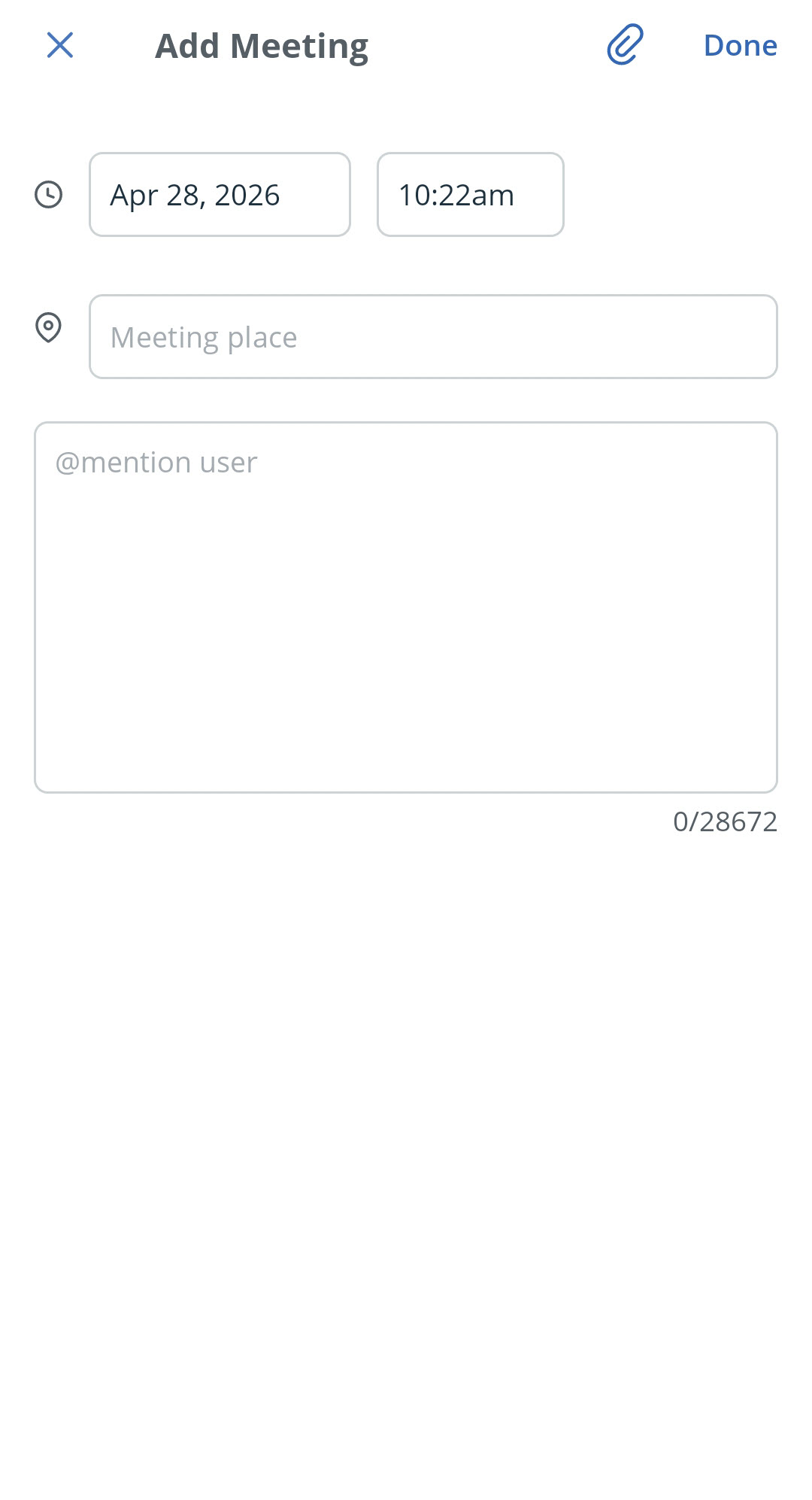
💡 The maximum size of a file that can be uploaded is 10 MB.
Find and edit a Note, Call, or Meeting in the mobile app
Jump up to Article's Overview ⮝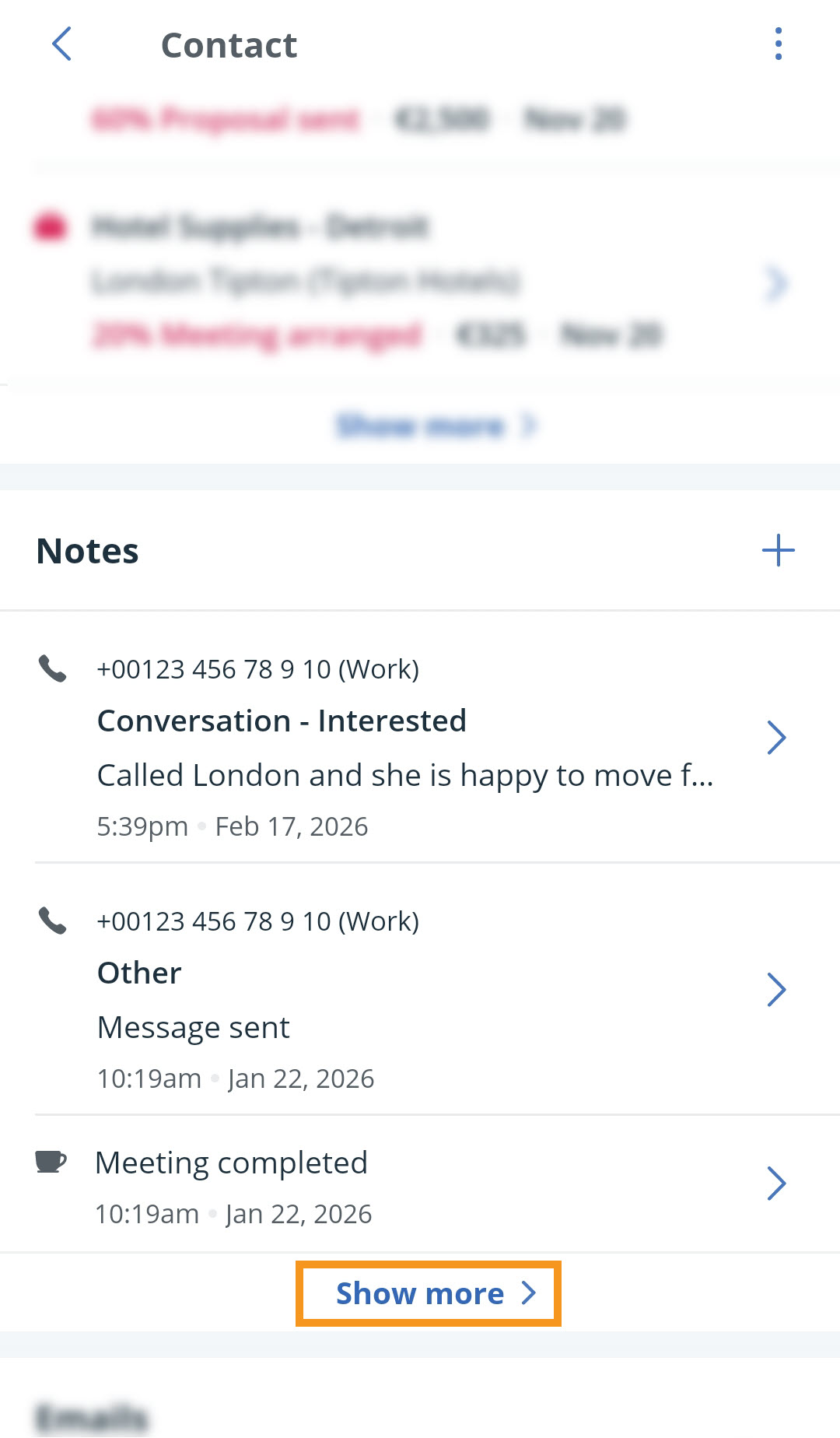
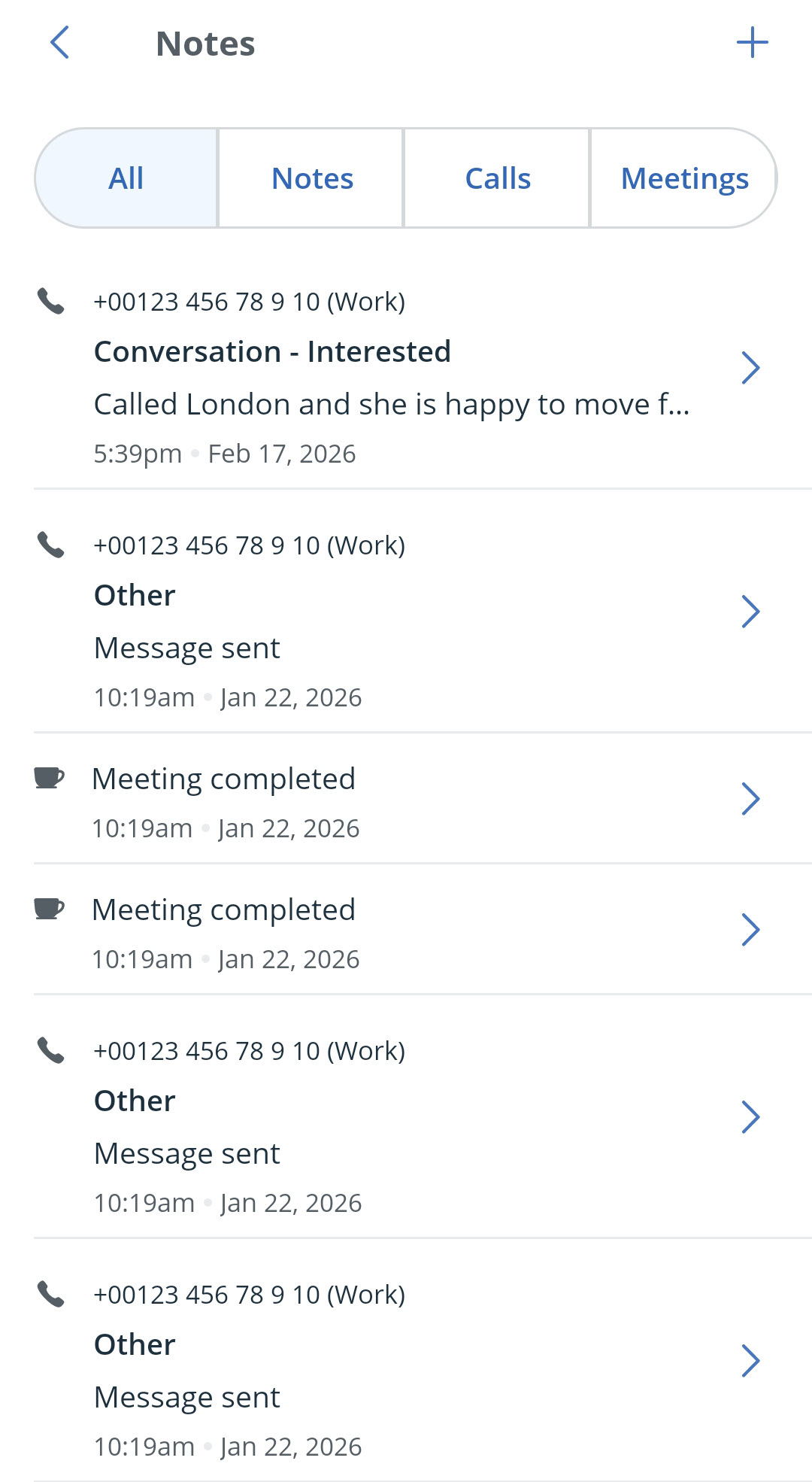
💡 On iOS, you can also swipe left on a note and tap the pencil icon to edit it.
Remove a Note, Call, or Meeting in the mobile app
Jump up to Article's Overview ⮝Open the contact → scroll down to Notes → locate the note → click into it → Delete note.
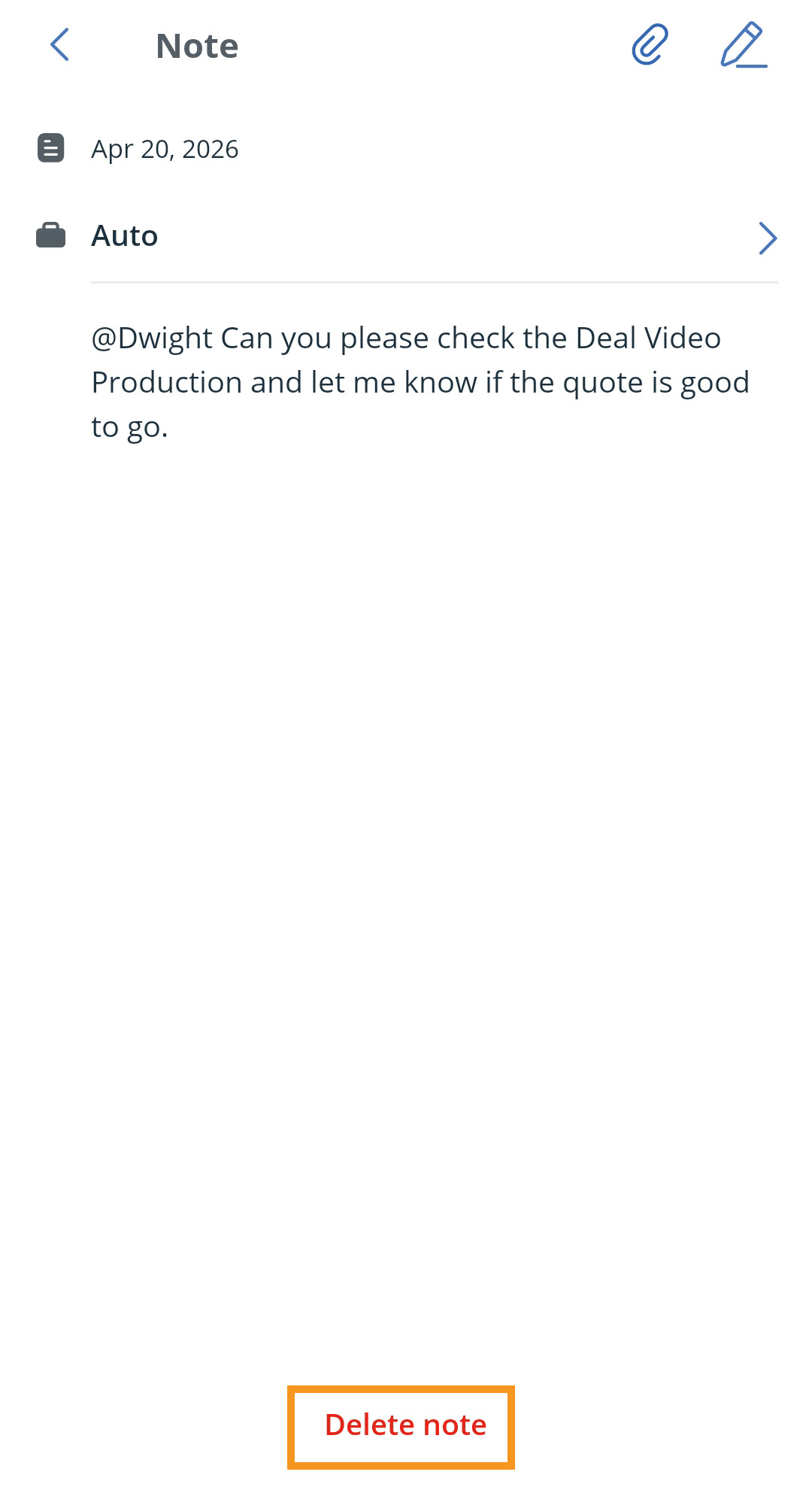
💡 On iOS, you can also swipe left on a note and tap the bin icon to delete it.