
Send bulk emails (mass emails)
Send mass emails to up to 1,000 contacts per day using custom templates and variables, like {FirstName}, {LastName}, and {Company}.
Max: up to 1,000 emails per user/day
Business plan: up to 450 emails per user/day
Professional plan: up to 250 emails per user/day
Legacy plan: up to 200 emails per user/day
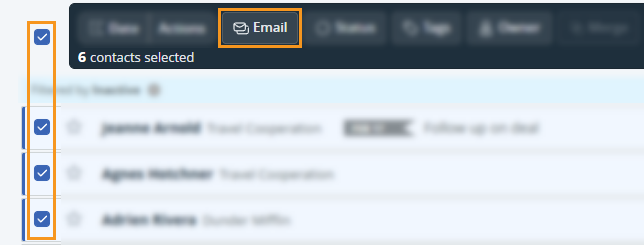
💡 You can quickly segment contacts using tags, statuses, lead source, or saved filters.
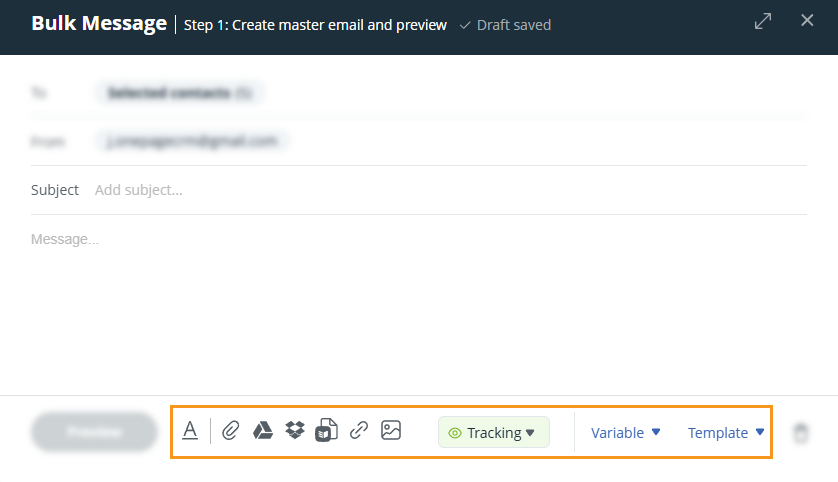
💡 Variables appear in red text and will automatically populate for each contact.
💡 You can use variables in the subject line of your templates.
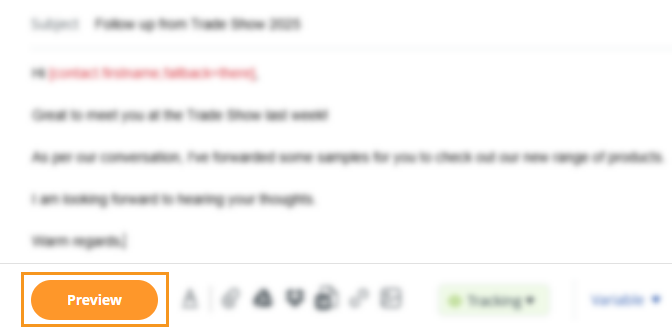
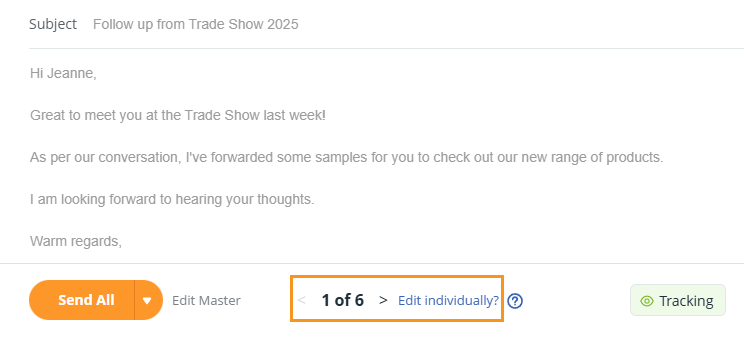
💡 Bulk emails are sent individually—each recipient only sees their own email in the To: field.
💡You can send up to 30MB per email in attachments.
💡 If you choose to 'open in your email client', your email signature will lose its formatting as mailto: links do not support HTML.
Go to Sent folder on the Email Page to view your sent bulk emails → click on the downward arrow to see the contacts you emailed.

💡 You can also click on each email to view it separately.
💡 Email Open Tracking (Business or Max Plan only) shows who opened your emails.