
Update deal stages
In OnePageCRM, you can move deals to another deal stage from the Contact, Organization, or Pipeline.
Contact/Organization
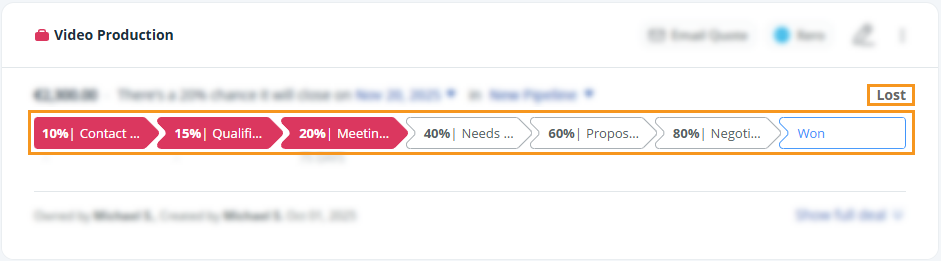
Open the deal and select a Deal Stage at the top of the Deal.
Pipeline
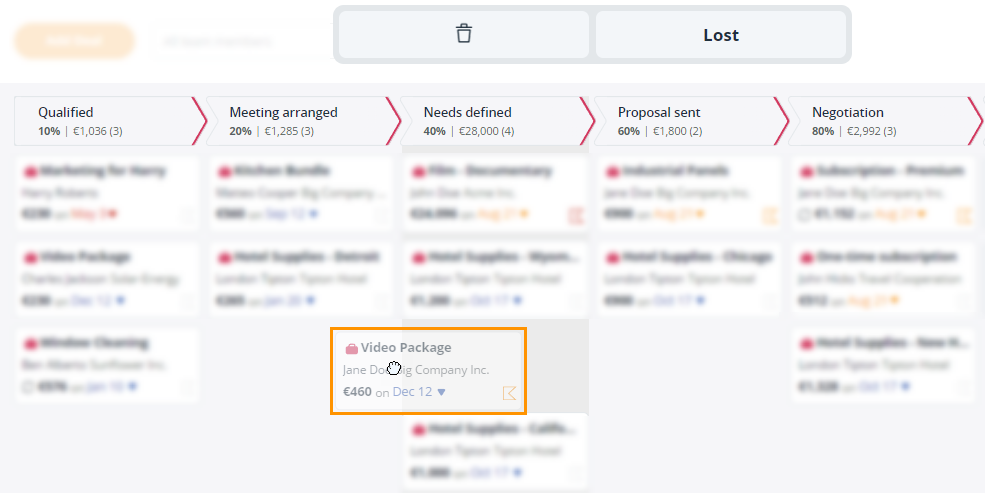
On the Pipeline, you can drag-and-drop deals between stages. For more details, see here.
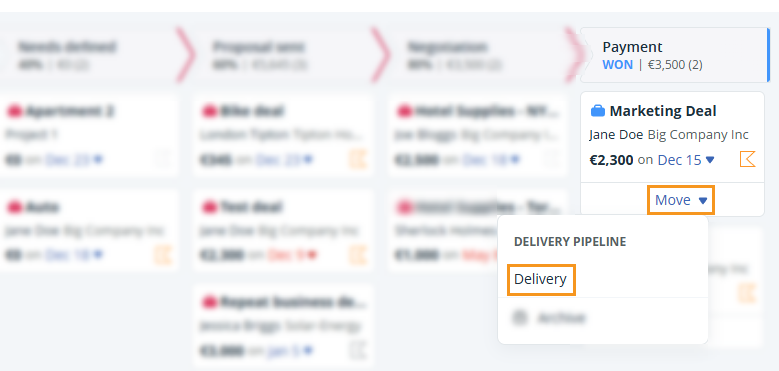
In order to move a Deal to a Delivery Pipeline, it first needs to be marked as Won.
💡 Deal stages can’t be updated in bulk. You can update them quickly on the Pipeline page.
💡 To configure the Deal stages, see here.